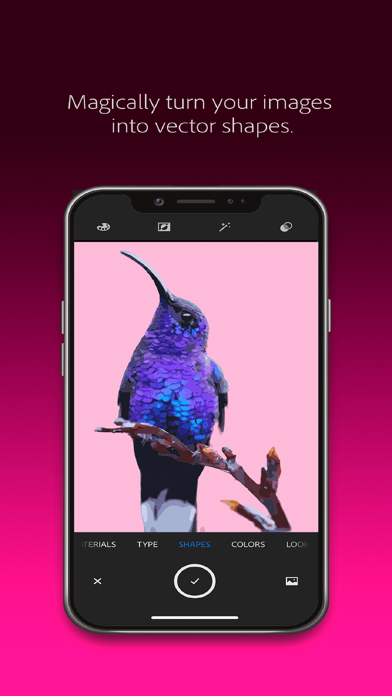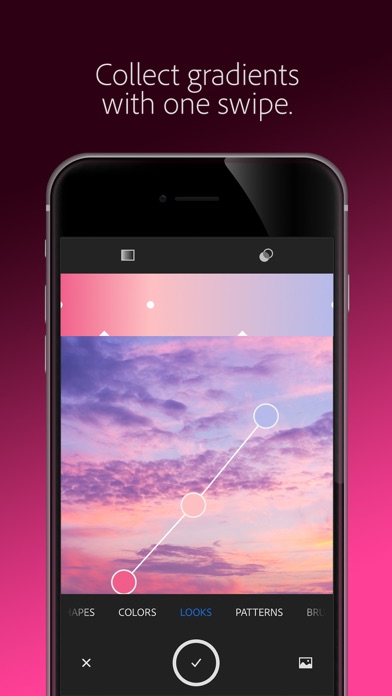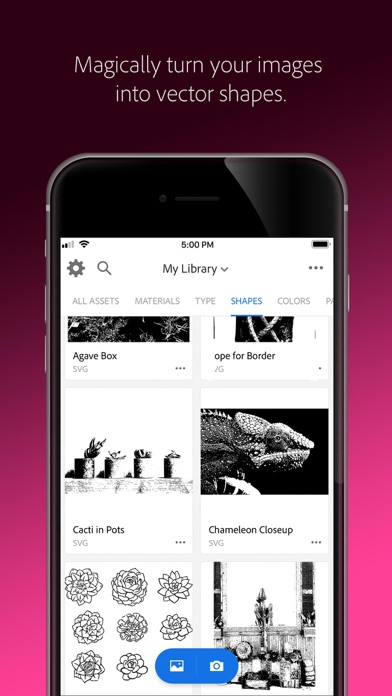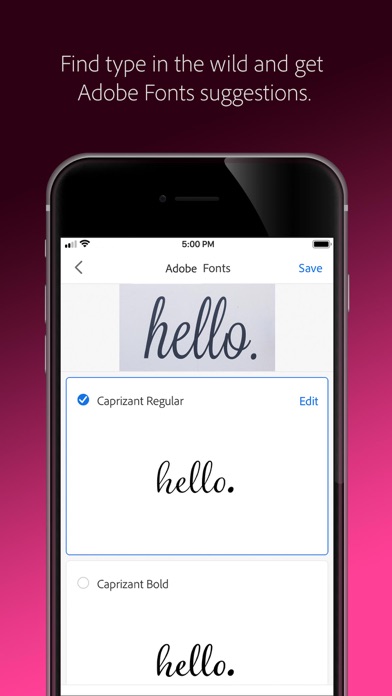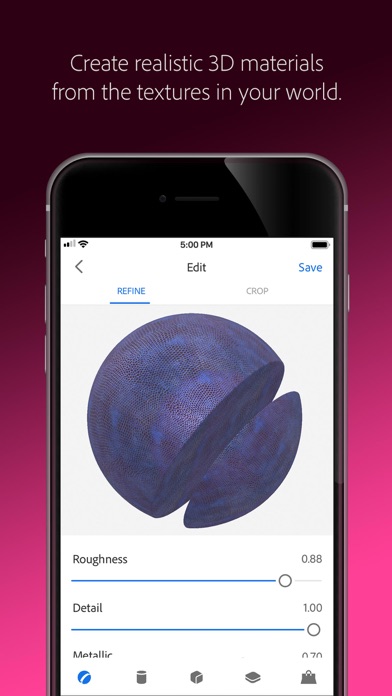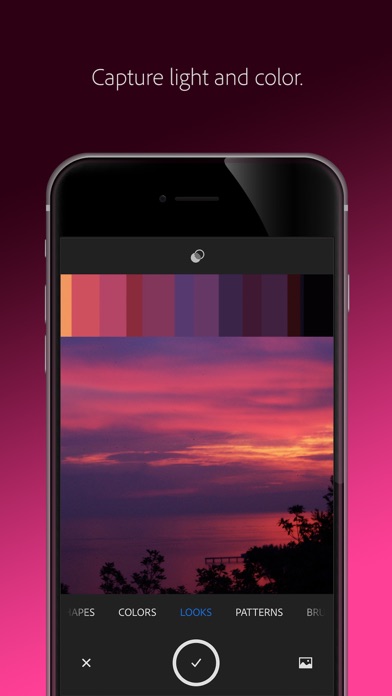
"Adobe Capture transforms your images into beautiful color palettes, vectors, fonts, patterns and more. Imagine looking through your camera to see patterns, vectors, and even fonts. Now imagine turning those visions into design materials to immediately use in apps like Adobe Photoshop, Adobe Illustrator, Adobe Premiere Pro, and Adobe Fresco. The power to transform the world around you into creative assets to build your projects is in the palm of your hands. The creation of graphic design elements is now just a camera click away. Remove Background from Images Take your photo inspiration and transform the background to use in your design projects. Create high-quality graphics to use in your projects. Vectorize on the Go Create vectors instantly with Shapes. Turn images into smooth, detailed, scalable vectors with 1-32 colors, for use in logos, illustration, animation, and more. Point and shoot at your drawing or upload a photo and watch it magically transform into clean, crisp lines. Voice or Audio to text Record your voice to see it transform in text. Replace and add text in your speech directly by editing the transcript. This new audio recording feature is easy to use and will enhance your audio creations. Import audio files to different Adobe apps or download them to your device as WAV files. Identify Typography Find your perfect font using Adobe Capture. Take a photo of the type you like (in a magazine, on a label, a sign, anywhere!) and watch a list of similar Adobe Fonts magically appear. Create Color Themes and Gradients Looking for customized color palettes? Find an inspiring gradient? Find color by number or hex? Aim your camera at the scene that has the colors you want and capture them to use in your artwork. Build Beautiful Digital Brushes Can’t find the right brush to paint? Take a photo or use an image to create digital brushes that match your creative vision. Use your brushes in Photoshop, Illustrator, or Fresco for rich painterly effects. Craft Intricate Patterns Capture inspiring images and generate patterns with ease. Create beautiful, colorful patterns that fit with your creative projects by using your vector shapes with our precision pattern builder. Generate 3D Textures Generate realistic PBR materials for use in 3D design straight from the camera. Modify your materials for even more texture or blend the edges for seamless repeat tiling on your 3D objects. Capture Light and Color Collect light and hue to turn into beautiful color grading profiles for your images and videos with Looks. Record the magic of sunset and transfer that feel to use in your photos and video projects. Seamlessly Sync Creative Elements All of your assets save to Adobe Creative Cloud Libraries. Instantly access your digital elements from your Creative Cloud account in all compatible applications. Compatible Adobe Apps and Programs for Creative Assets Photoshop, Photoshop for iPad, Adobe Fresco, Premiere Pro, Illustrator, Illustrator for iPad, InDesign, Dimension, After Effects, Dreamweaver, Animate, Substance 3D Apps, and Adobe Express. 2GB FILE STORAGE The free, basic Creative Cloud membership includes 2GB of complimentary storage for file syncing and sharing. MORE STORAGE (Optional in-app purchase) You can purchase an additional 20GB for $1.99 (US dollars) of Creative Cloud file storage per month. You must be 13 or older and agree to Adobe’s terms and privacy policy, viewable at: http://www.adobe.com/privacy/policy-linkfree.html http://www.adobe.com/special/misc/terms.html"