Cluesheet Companion

Cluesheet Companion

By Marmalade Game Studio

  • Category: Utilities
  • Release Date: 2019-05-03
  • Current Version: 2.10.1
  • Adult Rating: 4+
  • File Size: 698.15 MB
  • Developer: Marmalade Game Studio
  • Compatibility: Android, iOS 11.0
Score: 4.14609
4.14609
From 7,447 Ratings

Description

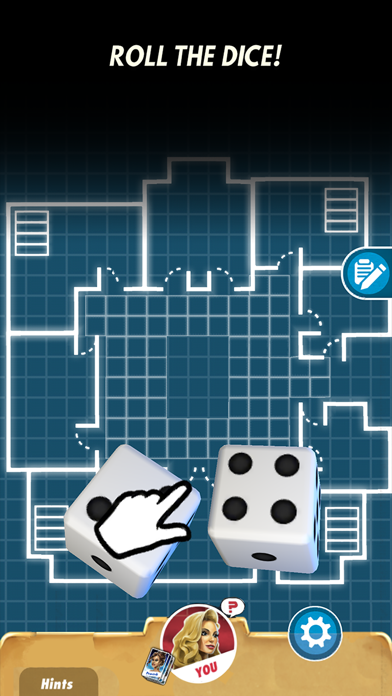
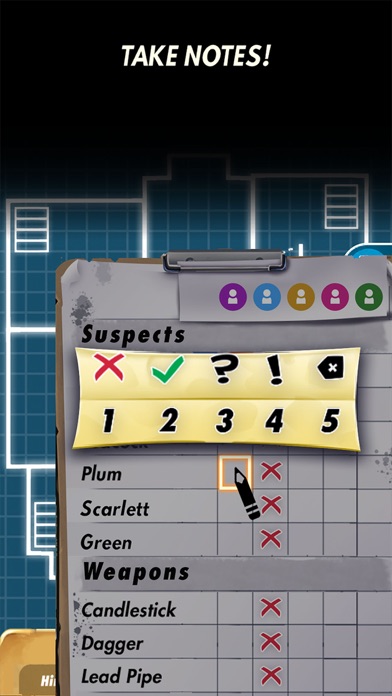
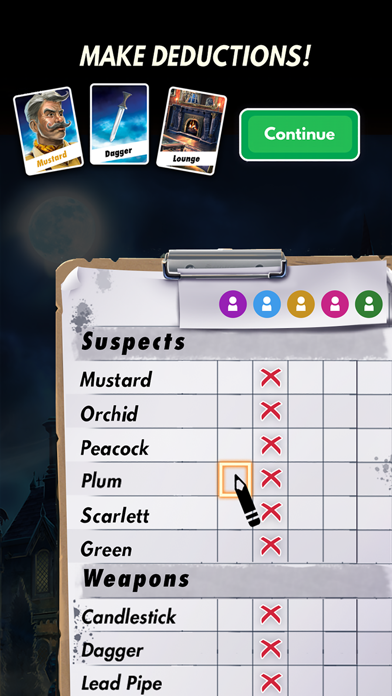
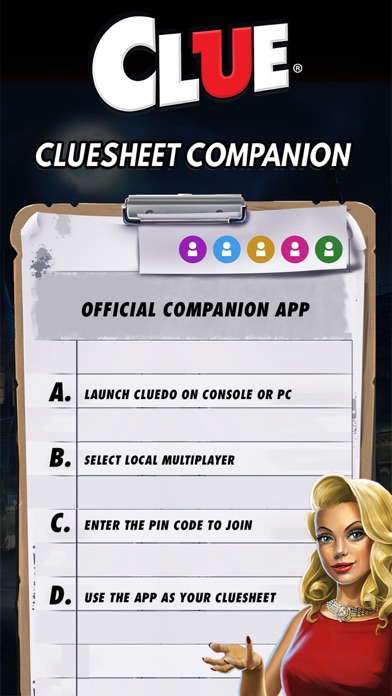
Keep your Clue Sheet hidden with the Official Local Multiplayer Companion app. This app requires you to have Cluedo: The Classic Mystery Game on Nintendo Switch™ or Steam®. A grand mansion … a dastardly murder … a gathering of suspicious characters. Play Hasbro’s beloved board game together with family and friends on the big screen with the local multiplayer mode for Nintendo Switch™ and Steam®! Use the official Companion app as your game controller and personal Clue sheet for local multiplayer games. Take notes, eliminate red herrings and make brilliant deductions. Gather your detectives in the same room and play together, but keep your notes secret. It’s easy to get started. Launch Cluedo: The Classic Mystery Game on Nintendo Switch or Steam®. Select Play with Friends from the main menu and Host a Local Game. Open the Companion app and enter the passcode to join the lobby. You can connect up to 6 smartphones as controllers to play together. Use the Companion app as your personal controller for local multiplayer games. Pick your character, choose from Miss Scarlett, Colonel Mustard, Mrs Peacock, Mr Green, Dr Orchid, Professor Plum, and many more. On your turn roll the dice to move around the mansion and ask questions: “I suggest it was Miss Scarlett, with the Rope, in the Study!” Use the innovative logic-assisted virtual Clue Sheet that allows for advanced note-taking. Watch everyone’s actions play out on the big screen. This app supports local multiplayer only, it’s not compatible with the single player mode. Time to crack the case! Follow Marmalade to discover more official Hasbro digital board games!
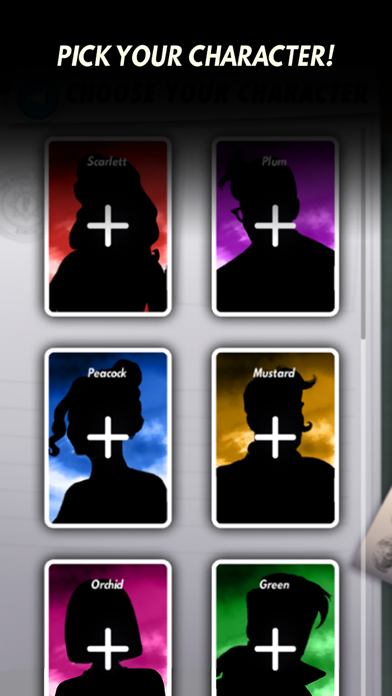
Screenshots

Reviews

  • I can’t get in

    1
    By Lara_Dog
    I can not go in the game the password at the beginning is just like I can’t guess it and there are a lot of bugs just from the opening page😕😕
  • Only works with 5, six players bugs

    4
    By Luigi50096
    The game is great when it works, I have only been able to get five players to work on local multiplayer, six players has never worked, please fix asap
  • Help

    2
    By Paisley-Ann love
    What is the passcode
  • Passcodes not working

    1
    By chjuchu
    I see alot of people commenting the same things about not being able to play locally and getting an incorrect passcode notification on the screen or the passcode just not working altogether. Developers say its been patched with new updates but im currently experiencing this problem.
  • Password issues

    1
    By random beo
    When I tried to go in and put a password in no matter what I wrote nothing worked how do I know my password? Because it tells me everything is invalid
  • Really needs work

    1
    By Cool, Cohen
    Only works with clue, classic edition it does not work with the newest version of clue on the Nintendo switch
  • Does not work. Beware!

    1
    By GoshDarn5000
    I bought Clue for the Nintendo Switch because I thought it would be fun to play locally with friends and family, only to learn that that was not possible unless everyone downloaded this app. As you may have guessed from the title of this review, it did not work, for any of us. I just wish I could get a refund for the Switch game purchase. Very disappointing!
  • Great Idea….if it actually worked!

    1
    By Rsii13598742
    Very cool idea. Used multiple times. 90% of the time the switch screen is slow to connect /keep up and eventually becomes disconnected from the game. You end up just finishing the game on your devices out of frustration.
  • Don’t know

    2
    By 😜hi😜😜
    I want to host a game but I can’t and you can’t play with ai until I can work with the game the rating will go up so please fix.
  • Password?

    1
    By Keepdo
    When it says to put in a code I don’t know where to get it

keyboard_arrow_up