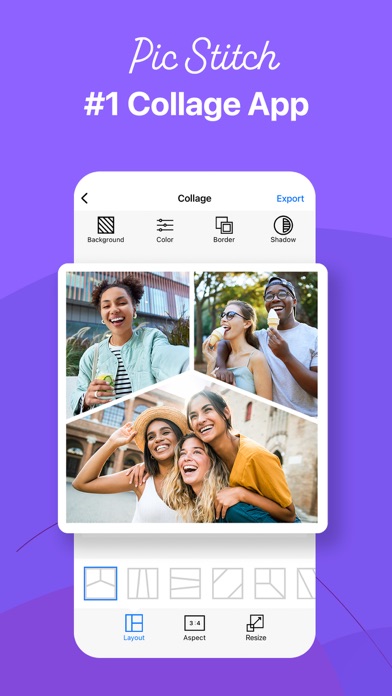
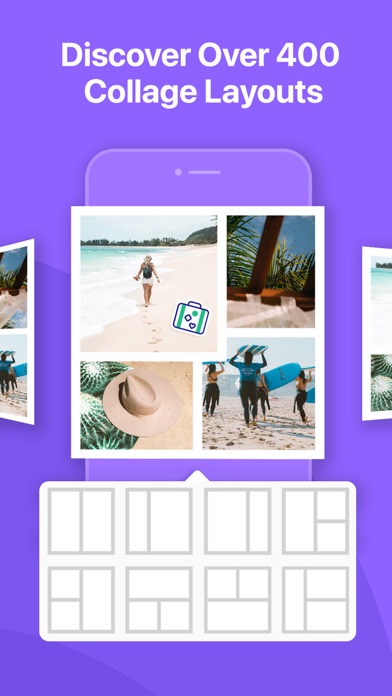
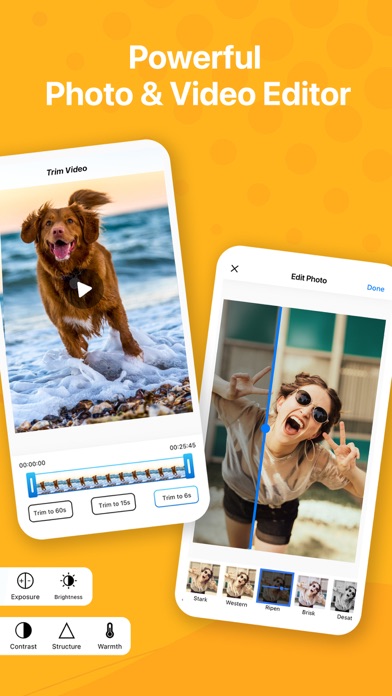
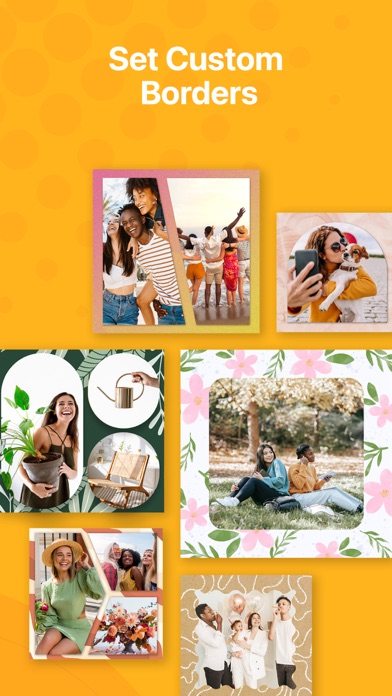
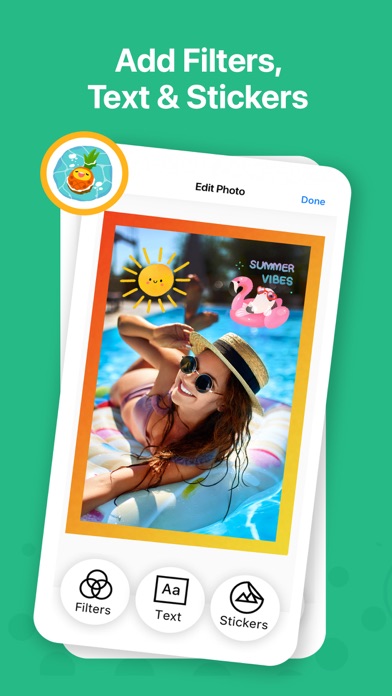
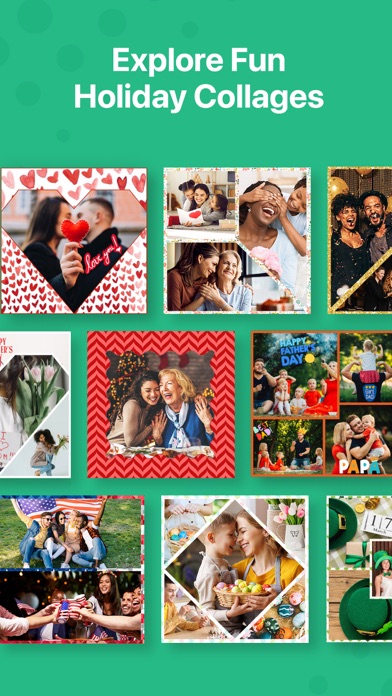
Transform your camera roll into stunning collages with Pic Stitch—the ultimate collage maker that easily stitches photos together for iPhone & iPad. With over 400 collage layouts, 25 filter packs, more than 30 border packs and robust photo & video editing tools, Pic Stitch offers a simple design with a powerful collage editor. Create a before-and-after sequence, combine multiple photos and videos into one beautifully framed collage, or produce a photographic series with music. Then share your masterpiece with friends & family on your favorite social media networks including Facebook, Twitter and Instagram. Pic Stitch is a must-have app for anyone looking to level-up their photography game, whether you're a social media influencer, blogger, content creator, or just looking to make unique collages to share with friends. Create professional-looking collages and make your photos pop with the same powerful tools and templates used by top photographers in the industry. If you have ever wondered how social media influencers combine several images into one glamorous frame, this is the secret tool they all use to make their content a masterpiece! * One of the Top 7 photo apps & Top 100 apps of ALL TIME according to Mashable * Overview: – Explore iOS Home Screen Widget Wallpapers featuring your most recent collages – Discover recent social media Trending Layouts – Browse 375+ different layouts – Explore 25 filter packs to enhance your photos – Design with 30+ border packs & customize layouts – Works with photos and videos – 15 different photo aspect ratios optimized for sharing (i.e. 9x16 format for social stories) – Customize photo borders – Easy to use UI – Amazing photo FX filters – Pan, rotate, flip, mirror and zoom – Share to Facebook, Twitter, Instagram and more – Save to your photo album – High resolution export Photo Editing Features: – Quick Enhance: hi-definition, scenery, food, portrait, night – Filter Packs: food, style, radiant, romance, noir, soleil, toy camera, wonderland, pop art, mystic, nostalgia, subtle, tital, wanderlust, jetset, spring, summer, beach, layer pro, cabin pro, grunge, brushes, visual fx, eeeeeats – Effects: exposure, brightness, contrast, structure, warmth, saturation, fade, highlights, shadows, vignette, sharpen – Stickers: decorate your photo collage with your favorite stickers powered by Giphy – Text Editor: insert text overlays and select your choice of font styles, colors, backgrounds, shadows and more – Drawing Editor: add your own touch to each photo by selecting a drawing tool of your choice – Meme Editor: turn your photo collage into a meme with a simple template that adds text where it matters most – Watermark Editor: add your own brand logos or create custom watermarks with text, date and time stamps – Frame Editor: white, black, vertical, horizontal, banners, bars – Overlay Editor: circles, pentagons, squares, rectangles, diamonds, grid lines – Rotate & Reflect: left, right, horizontal, vertical – Portrait Editors: blemish, blur, whiten, redeye, splash, sharpen, focus – Crop Tool: 1x1, 1x2, 2x1, 4x6, 6x4, 3x4, 4x3, 5x7, 7x5, 8x10, 10x8, 9x16, 16x9 View our Terms of Service at: https://maplemedia.io/terms-of-service/ View our Privacy Policy at: https://maplemedia.io/privacy/ Your feedback helps us make the app better! If you have comments or suggestions please email us at [email protected] * Mashable Mentions * http://mashable.com/2015/12/13/best-iphone-photo-apps-of-all-time http://mashable.com/2015/12/08/100-best-iphone-apps