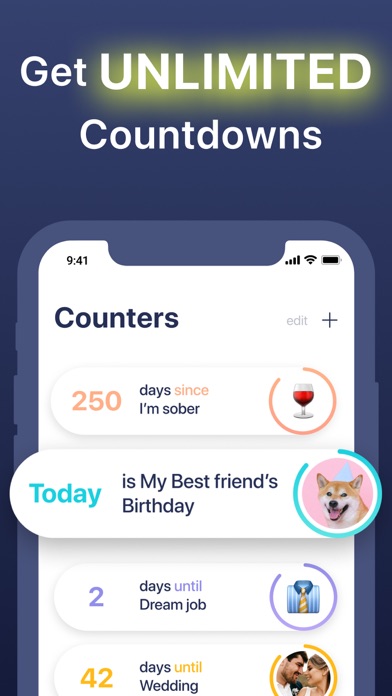
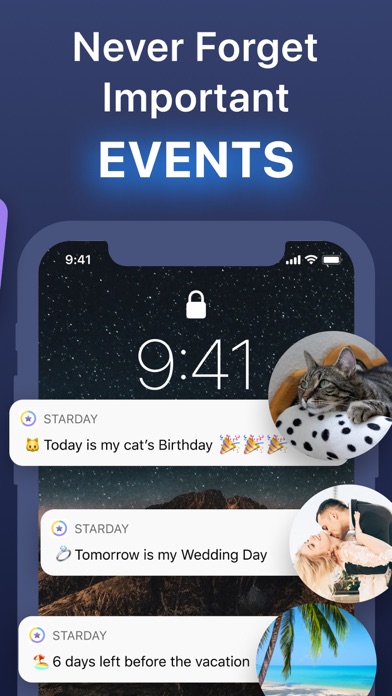
Do you need to track some important events in your life? Try our new app.
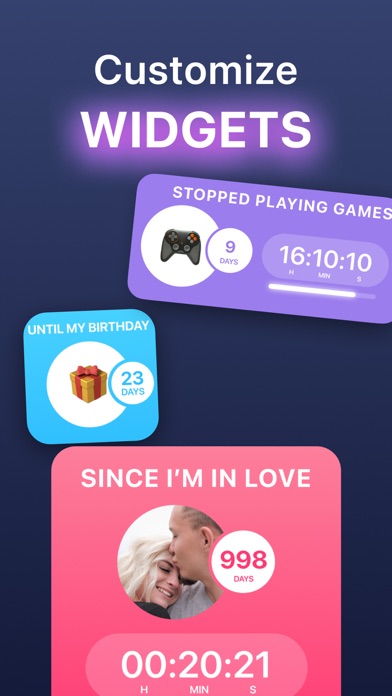
Add unlimited countdowns, customize widgets, forget about noisy ads.
Terms of use: https://about-me.app/terms_of_use
Privacy policy: https://about-me.app/privacy_policy
Screenshots
Reviews
Perfect
5
By SonicC89
If you look far enough in the App Store and put in the extra work, there’s usually a free version of what you’re looking for with no gimmicks or in app purchases (purchase bait). This is that app for countdowns.
Kyler
5
By I loveoreos
I love that it lets me keep track of thing and it free so I would give this app a try love it ❤️
Great app but…
3
By cr8zysexycool
Loved using this app to countdown to events. It even counts up! You can save a picture from your camera roll or use an emoji for the event. I recently had an issue where all of a sudden it stopped displaying my saved picture for an event and automatically defaulted to an emoji. Please fix.
SLAYYY
5
By cutelilpuppies10
Y’all this app slays
FJD81527
5
By FJD81527
This will really help me keep me tract of my days!!
The widget doesn’t work
2
By Galadien
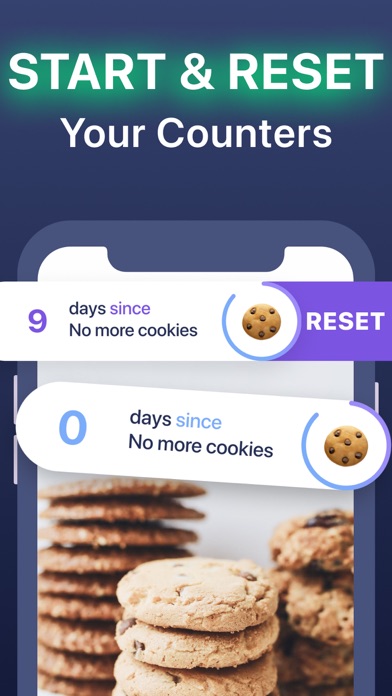
Original review: A simple “days since” or “days till” app. I just put my date in, labeled it, and it worked. It even has a handy widget, so I don’t even have to open the app. Sometimes you just need something simple to keep yourself on track. Thank you! Update: I wanted to restart the count on my only counter and didn’t realize there was an option to restart it, so I created a new count down and deleted the old one, but the widget still showed the date of the original counter. I tried deleting the widget and adding the widget back to my home screen, but again it only gave me an option to add the original counter that I cannot now modify because I deleted it. So, it works great if you have just one counter, but be careful about deleting it if you use the widget. Update 2: I deleted and reinstalled and started a counter and even waited a few weeks, but it won’t come up as an option for the widget at all now. You can only use the widget as a countdown to Christmas or new year’s and that’s it. It’s not worth it otherwise so I’m deleting.
Attractive
5
By Spritzer_samba
So many counters just do the numbers…. This has a nice visual approach, you can literally see your time in motion.
Strange Calculation Algorithm
3
By Michigan Banjo Man
This app counts the number of days before a given event but does not include the target date in its calculation. Thus, in effect, the result is short by one day. This is not intuitive.
Tried ~10 count up days, this is the best!!
5
By ndklfnbd
I have tried many count up apps. I want to see how long it’s been since a certain event. This app works really well. I love the med. and large widgets show hours/minutes/seconds along with days.
I only wish you could select more than one counter widget on your Home Screen, but simply clicking on the widget shows you the rest of your counters. Maybe a short cut would be to allow you to select which one counter widget you display?
Love the app though. Thank you.
Great but missing something
3
By Seth Goodluck
I can it change which events are on the widgets for the Home Screen unfortunately. Once that’s sorted I’ll come back