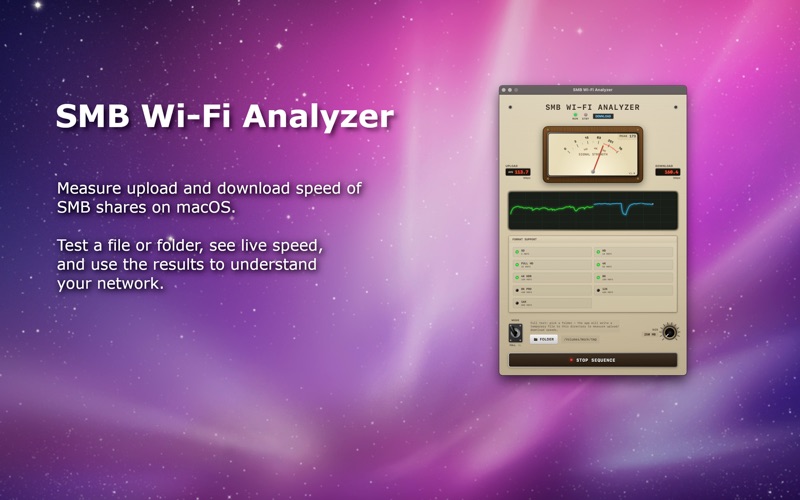
SMB Wi‑Fi Analyzer (Speedtest) is a small macOS app to measure SMB (Server Message Block) speed. If files on your NAS or file server feel slow, this app lets you check the real upload and download rate of an SMB share. What it does - Measures read speed of a selected remote file (Download‑Only mode). - Measures write and read speed using a temporary test file in a selected folder (Full test mode). - Shows current, peak and average speed as numbers, a meter and a simple graph. How to use it 1. Choose a mode: Download‑only (pick a file) or Full test (pick a folder). 2. Select the SMB share, file or folder you want to test. 3. Start the test and watch the speed values update. 4. Stop the test when you have enough data. Temporary test files are removed automatically. Privacy & permissions - The app only accesses the files and folders you select. - All tests run locally on your Mac; no data is sent to any server. System requirements - macOS on Intel or Apple Silicon. - Permission to access the chosen network volume.