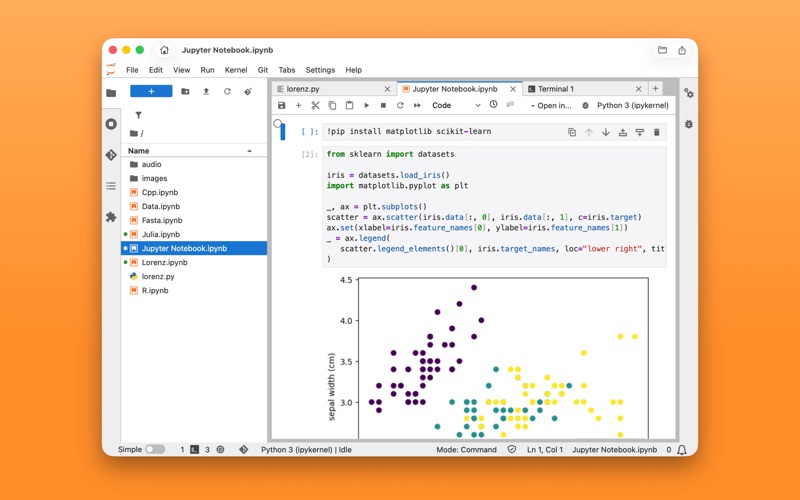
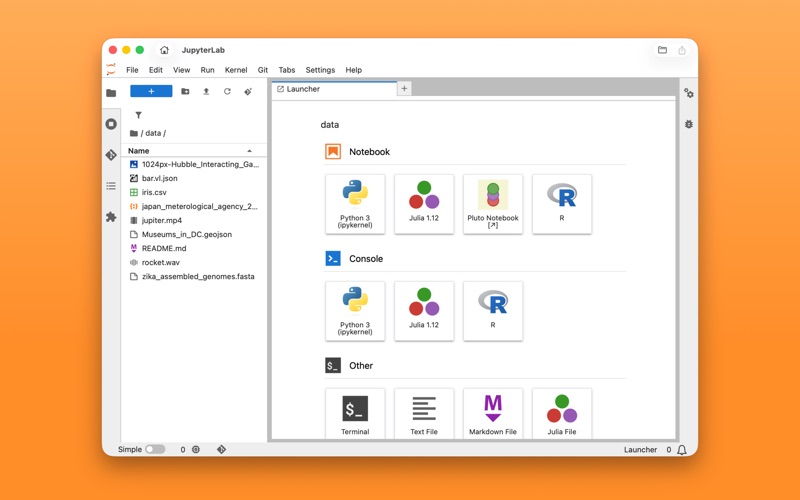
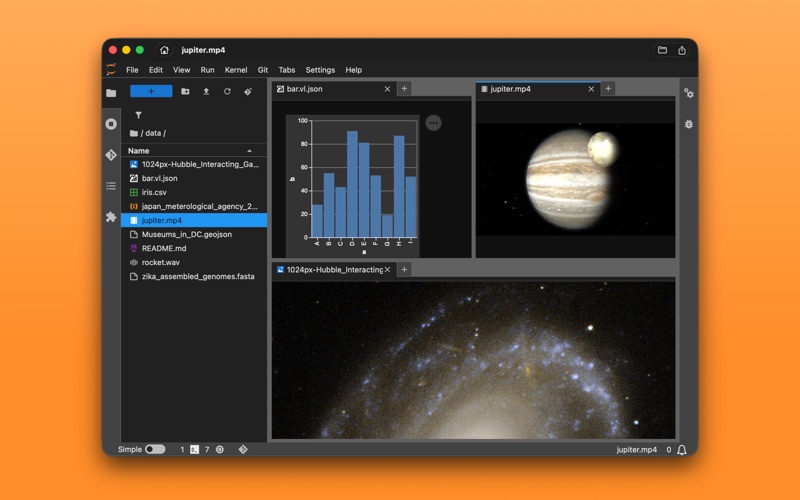
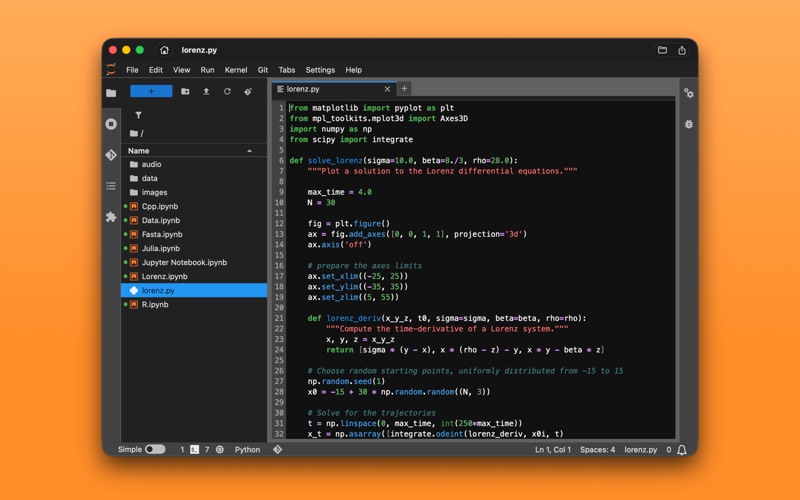
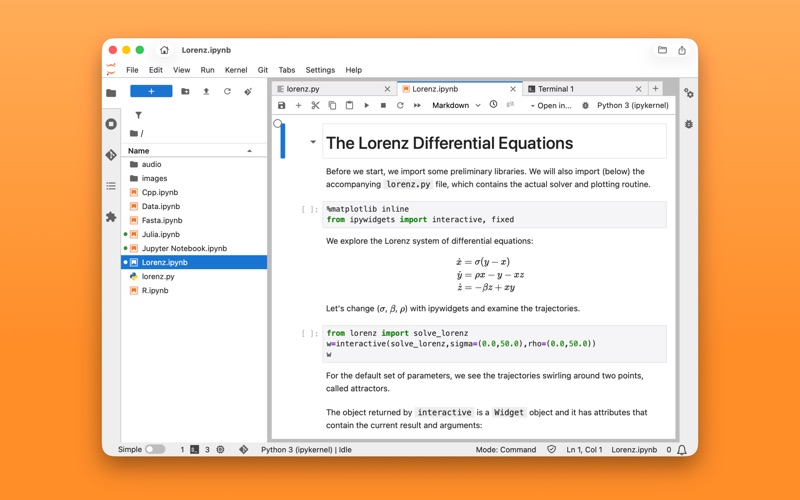
Run Jupyter locally on your Mac with a clean, streamlined app experience. Work with notebooks, code, and data in a unified workspace based on JupyterLab. • Interactive Notebooks Open and edit .ipynb notebooks with real-time execution, visualizations, and rich outputs. Run Python, Julia, R, and other kernels, with full compatibility for machine learning and big-data frameworks including PyTorch, TensorFlow, and Apache Spark. • Flexible Workspace Arrange notebooks, editors, consoles, terminals, and data side-by-side. Drag, split, and resize panels to match your workflow. Supports multiple tabs and windows. • Built-In File Manager Import and organize files with drag & drop. Open Jupyter Notebook, images, CSV, JSON, Markdown, and more. • Powerful Code Tools Use a full-featured text editor with syntax highlighting, auto-completion, and integrated consoles. • Terminal Access Run shell commands within the app. Use the integrated terminal to manage additional packages, machine learning frameworks, system tools, language runtimes, and other dependencies required for your projects. • Built for Data Science, ML, and Interactive Learning Perfect for data exploration and visualization, machine learning experimentation, note-taking with executable code, rapid prototyping and automation workflows, and teaching or learning Python interactively. • Optimized for Apple Silicon No manual setup required. No dependency conflicts. Just a clean, reliable JupyterLab environment that runs locally on macOS, taking advantage of Apple Silicon. Start building, analyzing, and exploring—right from your desktop.