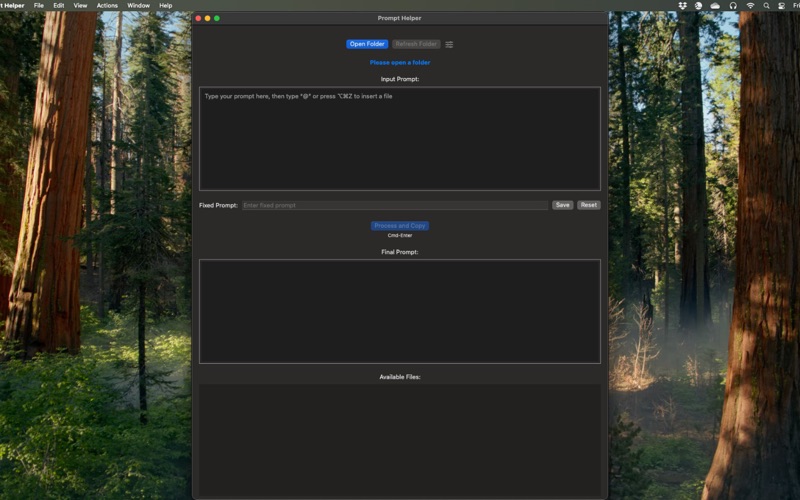
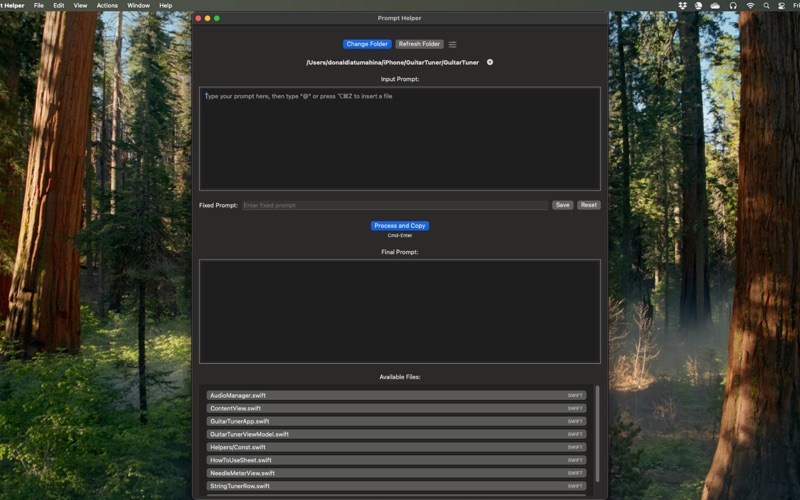
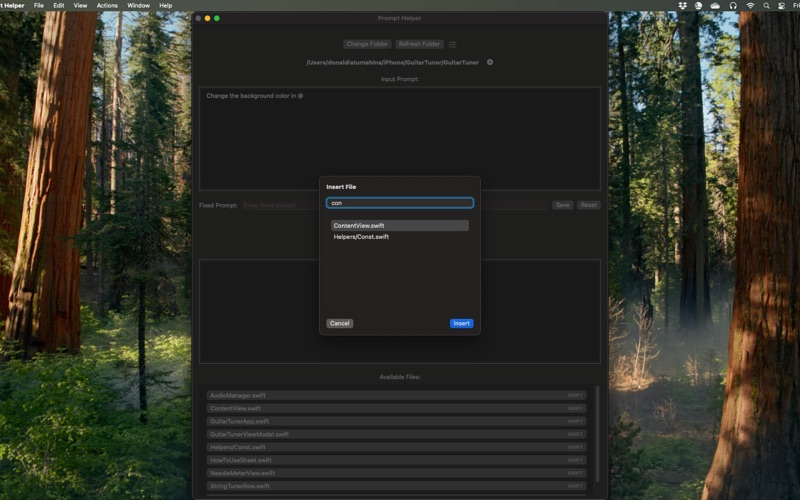
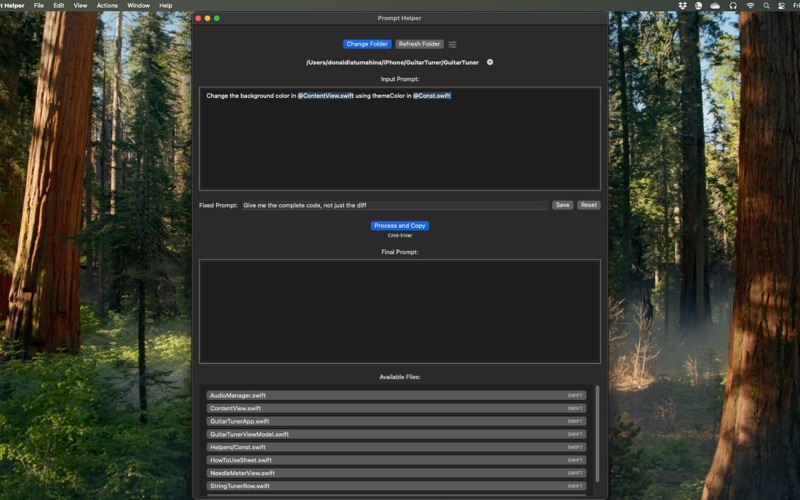
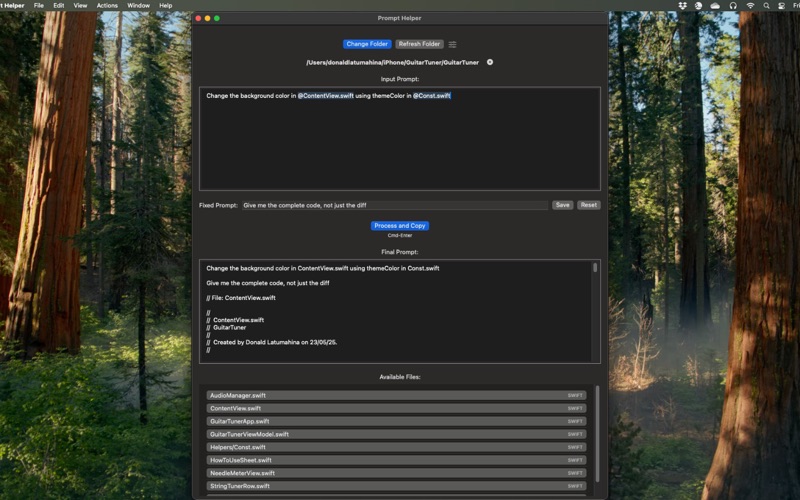
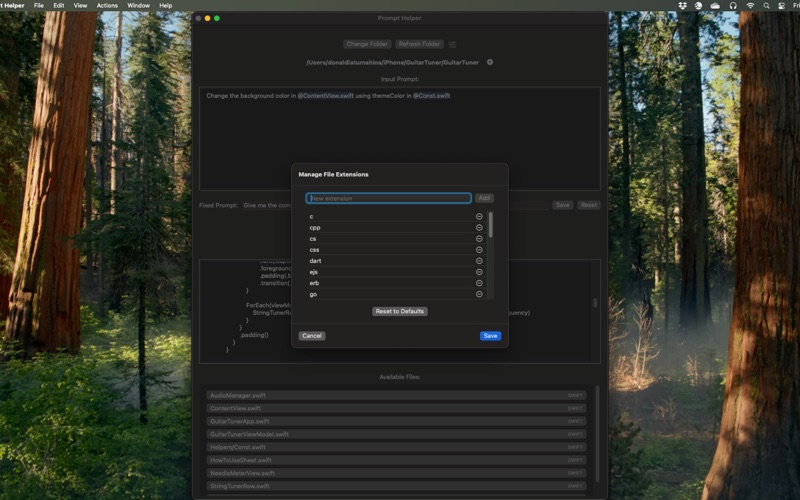
Prompt Helper takes the pain out of crafting coding prompts for tools like ChatGPT — especially when you need to include file contents as context. Instead of manually copy-pasting files one by one, just type your prompt and insert any file from your project using @filename or a keyboard shortcut. Prompt Helper automatically appends the full content of each file — no more jumping between files or messy copy-paste. FEATURES • Insert Files Instantly Type @ or use a shortcut to insert one or more files into your prompt. Their contents are included automatically — no manual copy-paste needed. • Process and Copy in One Step Write your prompt, hit ⌘⏎ (Cmd-Enter), and your complete prompt — with all file content — is copied to your clipboard, ready for ChatGPT or any LLM. • Fixed Prompt Option Add an instruction that’s always included (like "Respond with a unified diff" or "Use TypeScript") so you don’t have to repeat it every time. • Customizable File Extensions Easily manage which file types are available for insertion. • Simple and Focused Interface Designed specifically for crafting coding prompts — no distractions, no extra clutter. • Fast. Local. Private. Runs entirely on your Mac. Nothing is uploaded or shared — your code stays private.