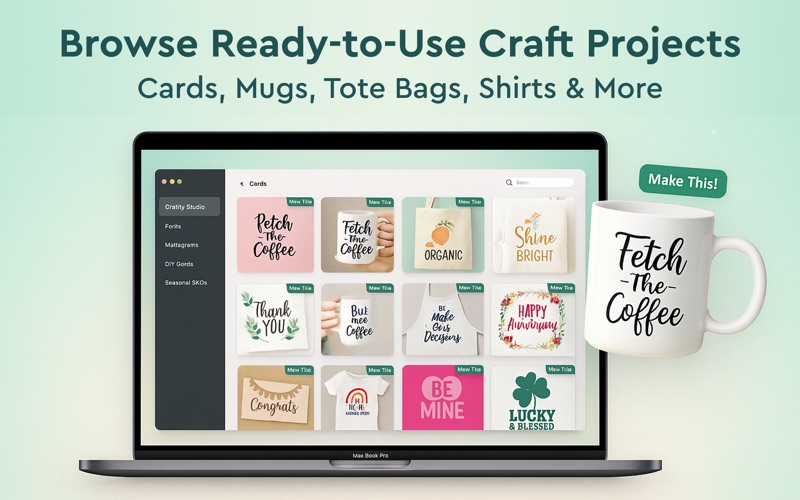
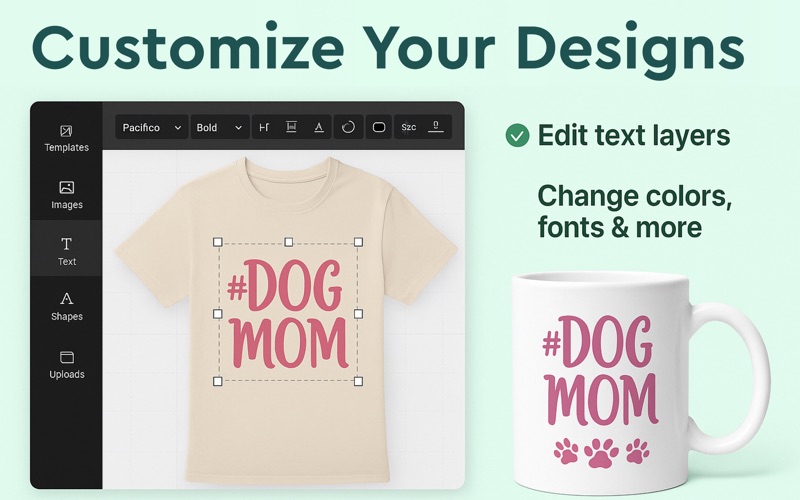
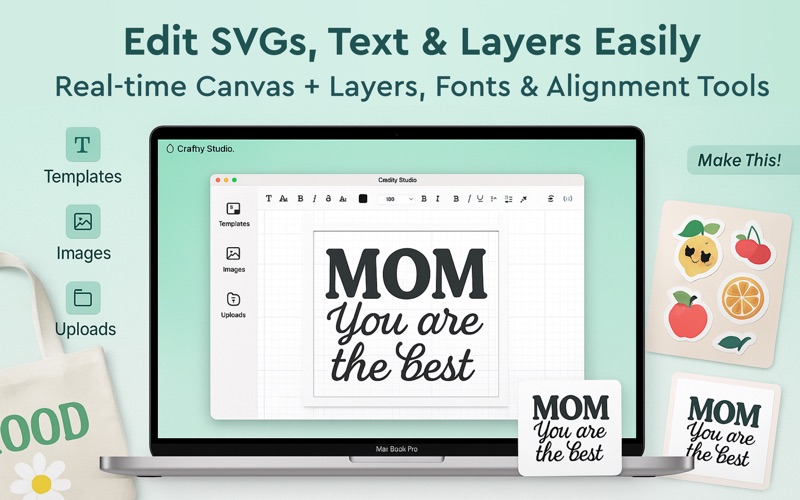
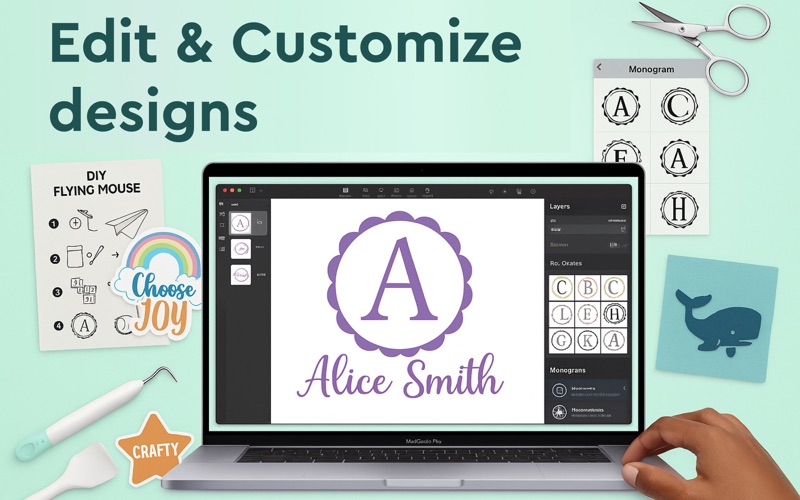
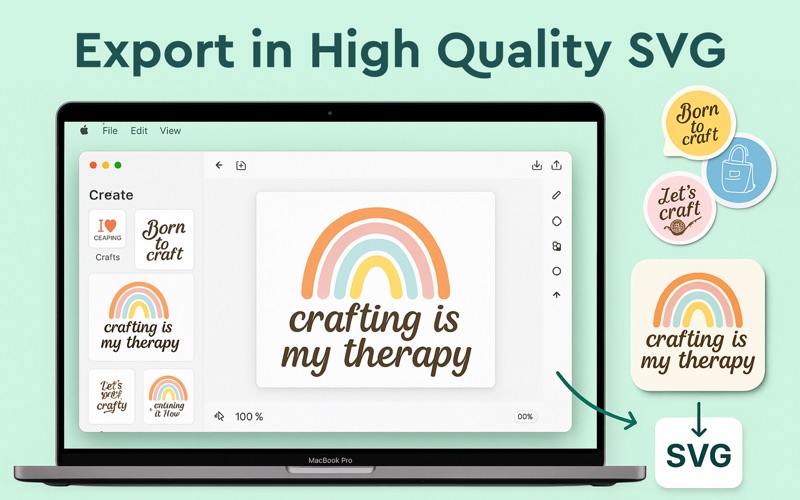
AI SVG Design Creator is your ultimate DIY design studio, built for creators, crafters, and small businesses. Create stunning SVG files, monograms, fonts, stickers, and printable templates — all in one easy-to-use app. Whether you’re designing for t-shirts, mugs, tote bags, cards, or wall art, Craftify gives you the tools to bring your vision to life. No design experience needed! Key Features: - 1000s of ready-to-use SVGs & templates - DIY-friendly fonts, stickers & cut files - Powerful editor: edit text, images, layers & alignments - Create custom monograms, logos & quotes - One-tap export to SVG, PNG, PDF & more - Perfect for all your print & cut projects Ideal for handmade shops, gifting, or hobby crafting AI SVG Design is updated regularly with new assets, seasonal themes, and trending styles to keep your creativity flowing. Now you craft for fun or profit, AI SVG Design is designed to save you time and unlock your creativity. Find the perfect design for your next Cricut project and make something amazing. Subscription Plans: Weekly Subscription: $4.99 (1 week) Monthly Subscription: $9.99 (1 month) Yearly Subscription: $24.99 (1 year) InApp Purchase Plan: Lifetime Plan: $39.99 (One time Purchase) Your subscription will automatically renew unless auto-renew is turned off at least 24 hours before the end of the current subscription period. Payment will be charged to your iTunes account upon confirmation of purchase. Your account will be charged for renewal within 24 hours before the end of the current subscription period. Automatic renewals will cost the same price as the original subscription. You can manage your subscriptions and turn off auto-renewal by going to Account Settings on the App Store after purchase. Disclaimer: This app is an independent product and is not affiliated with, endorsed by, or connected to Cricut, or any other mentioned platform. All trademarks and copyrights belong to their respective owners. Privacy Policy: https://sites.google.com/view/designerslogo/privacy-policy Terms Of Use: https://sites.google.com/view/designerslogo/term-of-use EULA: https://www.apple.com/legal/internet-services/itunes/dev/stdeula/