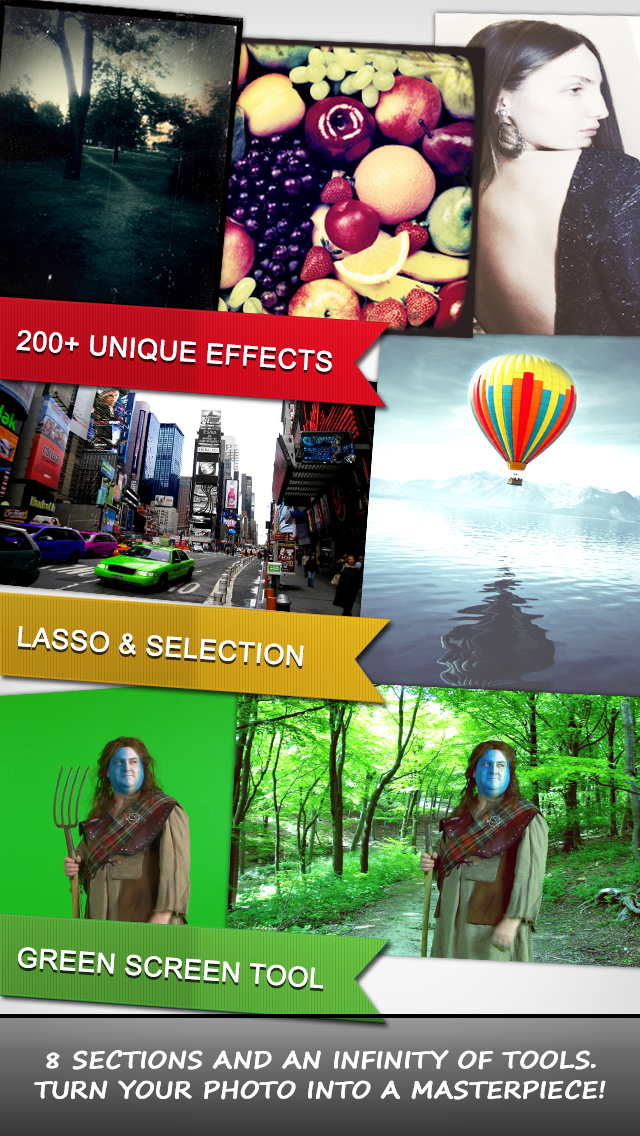
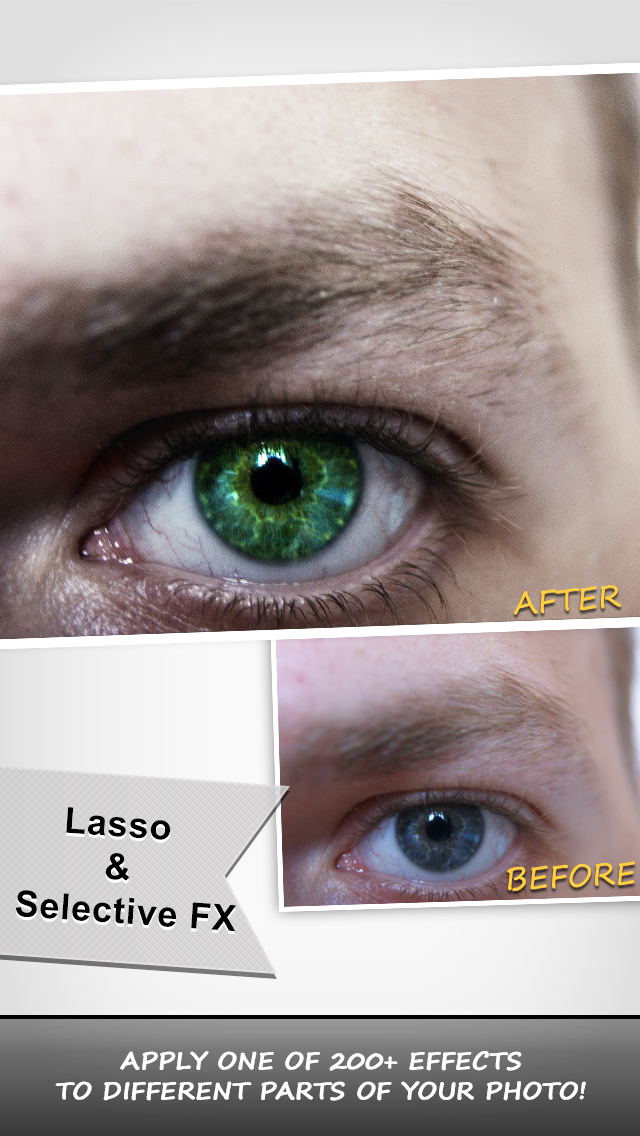
Every iPhone/iPad deserve to have a tool like this Use your imagination and give to your photos a fabulous beauty You don't take a photograph,you make it PhotoNova+ 2 enables a powerful photo editing workflow that includes the lasso tool,beautiful effects and frames,the fix tool, paint tool,green screen,vignette,focus,swirl and stretch tool to make your photos even more stunning. If you want to evidence the beauty of your photo, if you want to revitalize it ,if yourself want to look like ever before, than you should have in your hand this fantastic app. Used an innovative interface to make your work very easy and relaxing even for a long time. ____________________________________________________________________ What’s in here: 1. Select and modify different part of your photo. 2. Fixing any kind of imperfections. 3. GreenScreen. 4. Vignette. 5. Focus. 6. Swirl and Stretch. 7. Over 210 Effects and Frames. 8. Paint with all kind of color intensity . 9. Share with your friends. ____________________________________________________________________ Functionality Select tool: With the selection tool you can select any part of your photo and apply to it one of Over ***200 EFFECTS*** and /or adjust the intensity or the color. -Lasso tool: the freeform selection. Being helped by the cursor, select any part of any form. -Rectangular selection: Select a rectangular part to begin modify .You can also move or scale the rectangle you have created. - Circle selection: Select a circle part to begin modify .You can also move or scale the circle you have created. -Selected/Inverse: Modify the selected part or its inverse. Fix tool With this tool you can fix pimples, scratches and any kind of imperfection to make you and your photo look perfect. Effects 8 Effects categories that includes. -NovaMate -Elegance -Vintage -Colorize -Special -Filters -Tones and -Frames. Some of the effects are: -Glamour -Diabolik -Elegance N.1 -Fame On -Soft Antique -Magic -Risen -Black Ice -Fog Night -Glam N.1 -Paradise -Never Change -Sketch -Toon -Emboss -Pixel Green Screen Become a movie star. Select a photo with a green background and change it with some photo you like. Vignette Add a Vignette to your photo and change its position and color. Focus Add a Focus to your photo and change its position and intensity. Swirl Add a Swirl to a particular part of the photo. Stretch Add a Stretch to a particular part of the photo. Color Correction Give the last touch by adjusting the: - Brightness & Contrast. - The Red, Blue or Green color of your photo. - The saturation and hue. Paint Draw anything you want. Change the color intensity and the size of the brush and begin to paint. Share Now you can share your creation with your friends via Facebook, Twitter,Instagram or Email. Enjoy your beautiful photos with PhotoNova+ 2