Notion Calendar

Notion Calendar

By Notion Labs, Incorporated

Score: 4.75115
4.75115
From 5,658 Ratings

Description

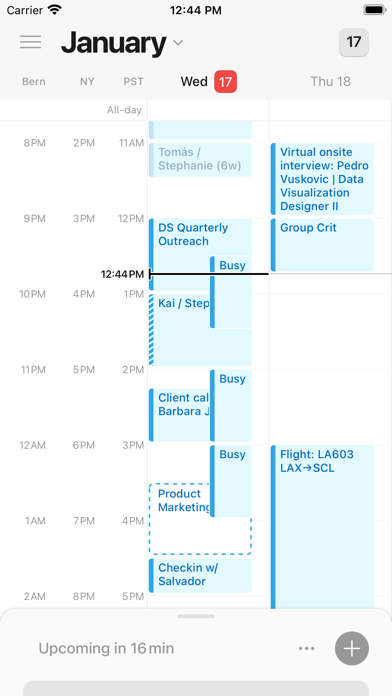
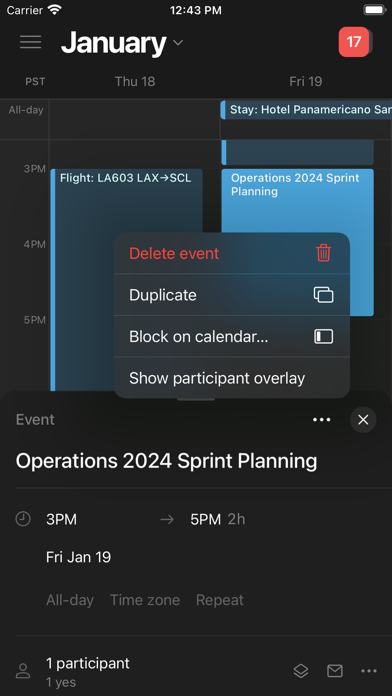
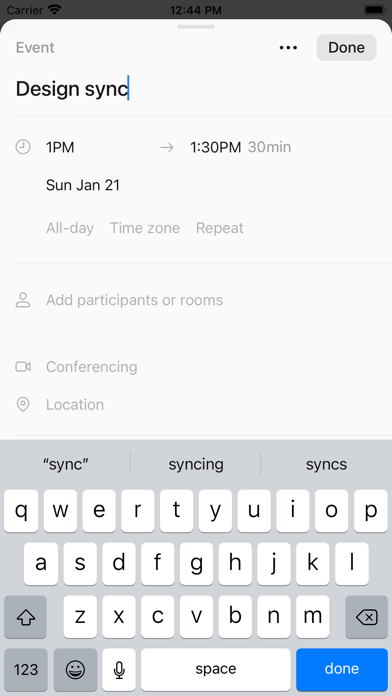
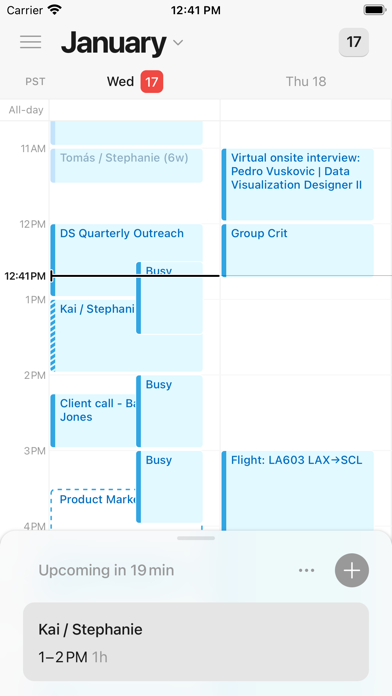
Notion Calendar lets you schedule meetings and control your time like never before. It deeply integrates with Google Calendar accounts so that all your events are synced. Along with speed, beauty, and light/dark modes, Notion Calendar includes powerful features: - CONNECTED TO NOTION — add Notion docs, projects, and timelines. - MULTIPLE TIME ZONES — pull the time zone column to the right to “travel to any city” and add more time zones. - ALL IN ONE PLACE — see one unified view across multiple calendars and auto-sync events between them. - WIDGETS — select from 6 Home Screen Widgets featuring rich previews of upcoming events, month overviews, quick-add event buttons, and more! The Lock Screen Widget lets you see what’s coming at a glance when picking up your phone. - AVAILABLE IN 12 LANGUAGES — Japanese, Korean, French, German, Spanish, Portuguese, Danish, Dutch, Finnish, Norwegian, and Swedish. It’s time.
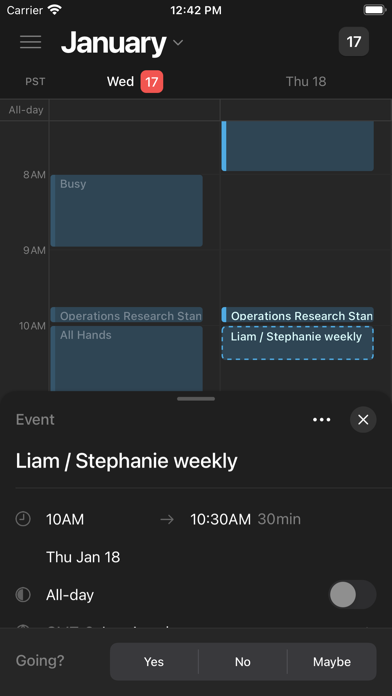
Screenshots

Reviews

  • Nightmare of a time

    1
    By DayOldEggs
    I’ve had a nightmare of a time with this app. It does not scale on iPad as it should. You have a desktop app that works great, why can’t it work the same on iPad? Furthermore on my phone it is not showing any of my events. I’ve reinstalled the app twice now, checked all my settings, and even went through trying to fix it using notion AI. Nothing has worked. When adding events through notion AI you have to specify in your AI settings that you want to use your own timezone, not the default on Notion. The views that are available have been buggy for me for weeks. I cannot scroll down all the way to midnight. Every calendar app I’ve ever used has the ability to show a full week, but this app does not. Scrolling through months is not intuitive. I’ve essentially resorted to only using my calendar on my computer, which is not practical. I’ve also had major issues getting the app to send me notifications. I’ve double checked my settings on my phone, and they are correct. I’m not sure what to do anymore. I pay for notion to use as an assistant, and at this point it only works in that manner fluidly on my laptop.
  • Best calendar in the game

    5
    By Y0Lo85
    There is no better calendar to manage multiple emails and calendars than Notion. The integration to Notion app is also very well done.
  • We really need an iPad version

    3
    By EmBer2901
    App is very useful, however the fact that it can not be used to its full capabilities because of iPad optimization really holds it back. Same situation as with notion email app…
  • Views

    2
    By Dan01993
    Needs monthly view
  • Need IPad version

    3
    By JOW Ambassador review
    Great app, would love an iPad specific version!,
  • Close to Perfect

    4
    By Borrmu421
    Overall the app is very clean and modern, much like the Notion app. The one thing I don’t understand is why there isn’t an Agenda or Monthly view for the calendar. I use the agenda view all the time in other apps and it’s a standard view in any calendar app I’ve used, so I’m not sure why it doesn’t exist within Notion’s calendar app. I’m trying to get used to the 3-day view but I typically like to see more of a schedule forecast in the days to come without scrolling all the time. Outside of adding a couple more views to enhance the user experience and appeal to everyone’s preferences, the app is great. It does exactly what you want it to. Having the ability to natively sync with my notion databases is awesome and helps me stay on task. I would certainly recommend any/all Notion products!
  • glitching

    2
    By www.grayson.com
    my main complaint is that it hasn’t been working on my ipad or iphone for a month now, Was hoping this issue would resolve itself. when i open the app, none of my events or times on the left hand show up. plus i can’t scroll!! my other complaint is that it is not compatible with ipad! It would also be great if we could choose a custom background (image)! Customization is awesome
  • Disappointing

    3
    By Frosted Flakess
    No weekly or monthly views
  • Make iPad version 🙏

    4
    By Janitorb
    This is a great tool for combining calendar accounts (I have a windows computer and makes me feel like I have a Mac Calendar!) I’m glad the iPhone app works well, but there is no iPad specific app, you simply use the iPhone size interface. I’d love to see how they can incorporate the new push/pull tabs feature into an iPad-specific app.
  • Great when it works

    3
    By Worked before, now not so much
    This app is great, best ui for a calendar and the scheduling tool works really well. It crashes often though, and takes a while to load. Weirdly it will work great for weeks then crash over and over for weeks. I’m sticking with it though.

keyboard_arrow_up