Taio - Markdown & Text Actions

Taio - Markdown & Text Actions

By 颖 钟

  • Category: Productivity
  • Release Date: 2020-11-21
  • Current Version: 1.68.0
  • Adult Rating: 4+
  • File Size: 43.78 MB
  • Developer: 颖 钟
  • Compatibility: Android, iOS 15.0
Score: 4.56951
4.56951
From 597 Ratings

Description

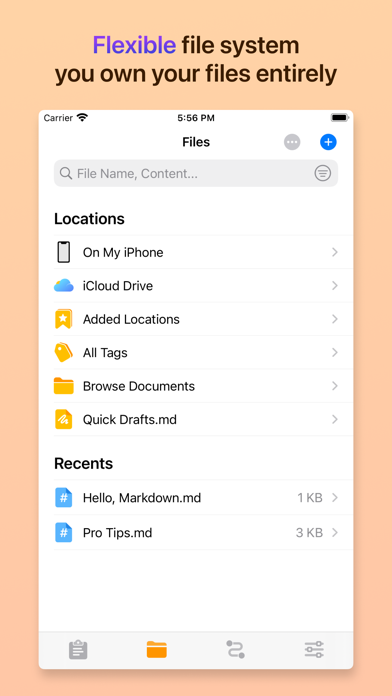
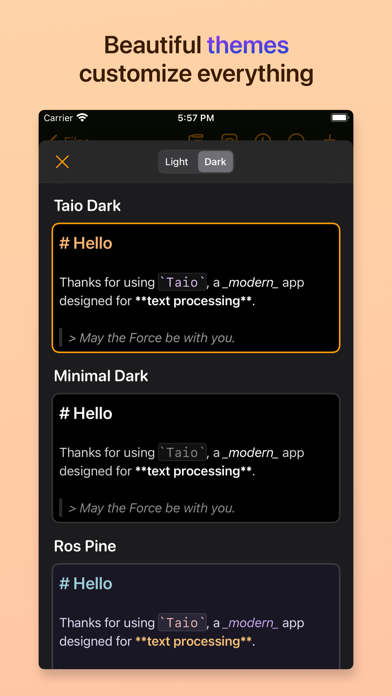
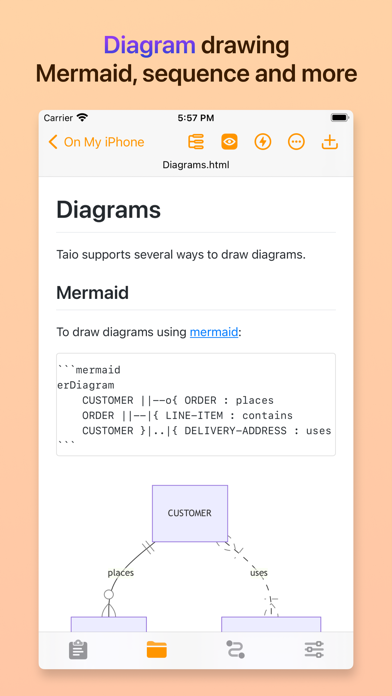
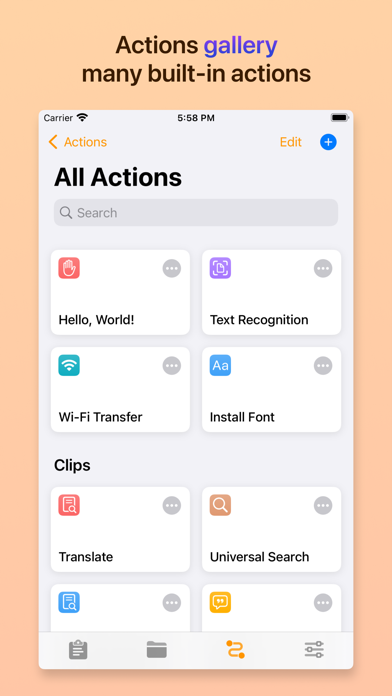
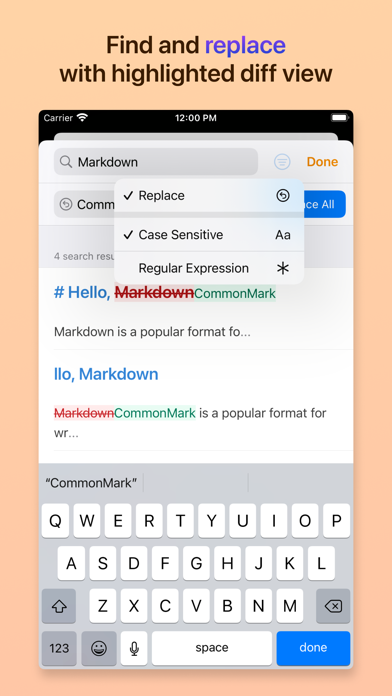
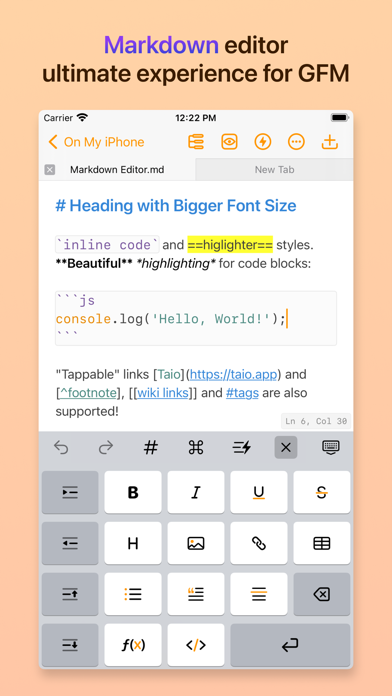
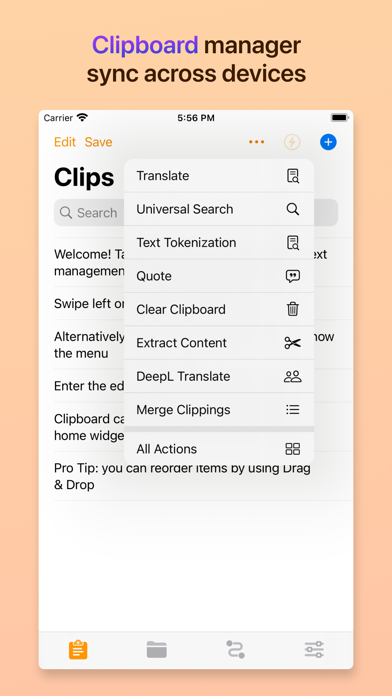
> Trusted by more than 200K users. > Featured as "Be the First to Try These Apps" and "Hot This Week" by Apple. > Featured by well-known media like iMore and MacStories. # Taio A modern app for text processing on iPhone, iPad, and Mac, provides seamless experience for clipboard, markdown editing and text workflows. Taio supports Universal Purchase, pay once to use on iPhone, iPad and Mac devices. ## Main Features ### Clipboard Taio takes clipboard data as one of the input sources, you can capture it quickly for *temporary* use. Saved records can be synchronized across your iOS devices using iCloud, we also provide beautiful home screen widgets for better experience. ### Editor Taio provides a full-fledged **Markdown** editor, it supports `CommonMark` and `GitHub Flavored` standards. Instead of telling you everything, we would like to highlight some great stuff here: - Full text search, in-document search - Built-in image uploading - Focus mode - Multi-Tab editing - Multiple color themes - Toolbar for beginners - Outline view - Math formulas and diagrams - Tags, wikilinks and backlinks - Export to multiple formats - Dynamic text in snippets - Open file system that can be accessed by other apps - Syntax highlighting for common programming languages There are more interesting features we cannot cover here, please try it out! ### Actions Text actions in Taio is a powerful mechanism to provide extensibility for both **clipboard** and **editor**, it works the same as the `Shortcuts` app. You can build your own workflows using several action blocks, with support for variables and control flows. Furthermore, if the built-in actions don't meet your needs, you can even write action blocks using **JavaScript**. The JavaScript engine in Taio is powered by JSBox, it provides tons of API bindings to interact with iOS. ## Customer Support Feel free to reach us out if you have any suggestions or ideas. - Website: https://taio.app - Email: [email protected] - Twitter: @TaioApp Privacy policy: https://docs.taio.app/#/privacy Terms of service: https://docs.taio.app/#/terms Thank you so much for reading this, we hope you enjoy using our app!
Screenshots

Reviews

  • Fingers crossed for an update 🤞

    5
    By SKEvil22
    I've been subscribed to & using this app ~1.5yrs now and despite the lack of updates in that time it's still one of the most robust & well polished text editing apps available for iOS that I've found (out of the too many I've tied). Hoping this app doesn't fall by the wayside!
  • Action don't work

    1
    By kr8tiv1a
    really?
  • First Impression left me at Meh

    2
    By 1iz.4r9
    I'm new to Macs and until booting up this 2017 Air, I'd never before even heard of Taio. Since it's a built-in app, however, I figured I'd scope it out to see what use I can get from it. Apparently none unless I pay for the premium/pro upgrade. Of course, figures.... So far I've been unable to really understand the purposes of this app, much less make any real progress on anything due to the majority of clickable icons being reserved for paid users only. Maybe I failed to give Taio a fair shot. Maybe I've seen more than enough to be a qualified user tester. I don't know for sure, but one thing I DO know is that I will be unlikely to utilize this app again in future, probably will eventually attempt various ways to delete it from clogging up my Mac's elderly arteries. Sorry guys, better luck next time?
  • Too complicated

    2
    By Uselessdetails
    I was looking for an outlining, folding, editor for markdown. I managed to get a few lines of markdown written in Taio but then I couldn’t find a “save as…” command or even an “move…” command. So… no way to save it in my project directory. At this point I gave up. Simple things should be simple, especially on a Mac. It’s possible that this is a fine tool but it clearly requires FAR more learning curve than I’m up for. If I’m going to spend that much time and effort learning something new I may as well go back to emacs and write my own editing mode.
  • 应用非常nice

    5
    By Tokey1009
    就是高级版的价格太贵了
  • Shortcut for preview?

    5
    By awayfromkeys2
    Great app! loving latex and md support. I have two questions: 1. Is there a shortcut to render/preview? 2. Is it possible to render real-time e.g. side-by-side preview?
  • xuyao kai huiyuan

    1
    By wangchilxy
    wu yu xuyao kai huiyuan
  • Great app!

    5
    By Noone99
    This has always been one is the best markdown editors since it came out I just wish there were more frequent updates.
  • 还需改进

    4
    By 杰克776
    编辑手机系统里面的app文档会很卡,还会伴随着手机发热的情况,在使用了一天后卡死进不去软件了,希望能够更新优化。
  • Started great but development slowed down

    1
    By TheGreenGoose
    I was hoping that this app would grow faster, but it hasn't added many features during the past year. Update: It seems the developer has lost interest, and there are hardly any updates, with no new features added. The lifetime purchase was a waste of money.

keyboard_arrow_up