Markdown゜

Markdown゜

By Teleprompter LLC

  • Category: Productivity
  • Release Date: 2020-01-24
  • Current Version: 1.0.3
  • Adult Rating: 4+
  • File Size: 7.28 MB
  • Developer: Teleprompter LLC
  • Compatibility: Android, iOS 13.0
Score: 4.56784
4.56784
From 398 Ratings

Description

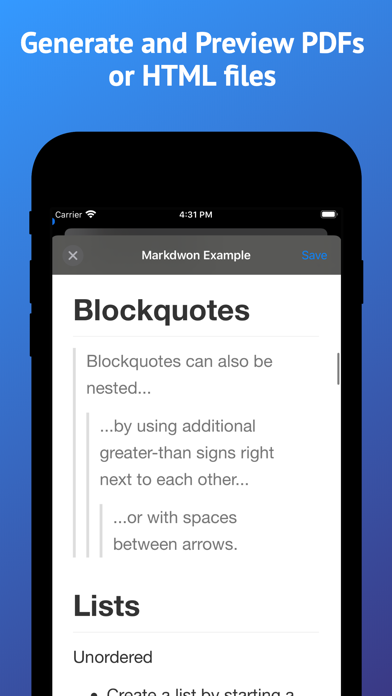
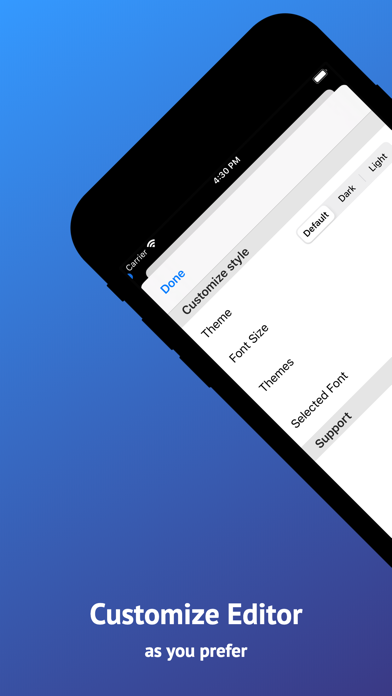
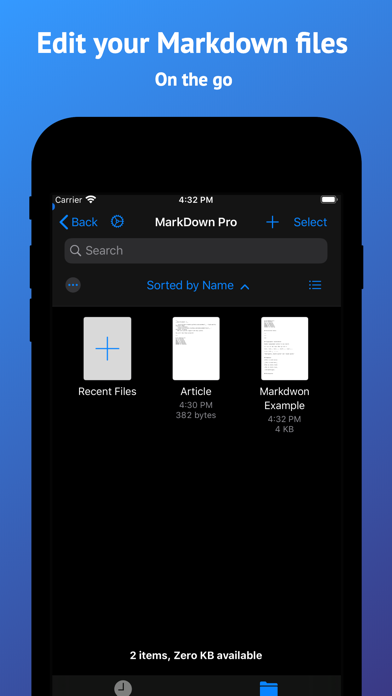
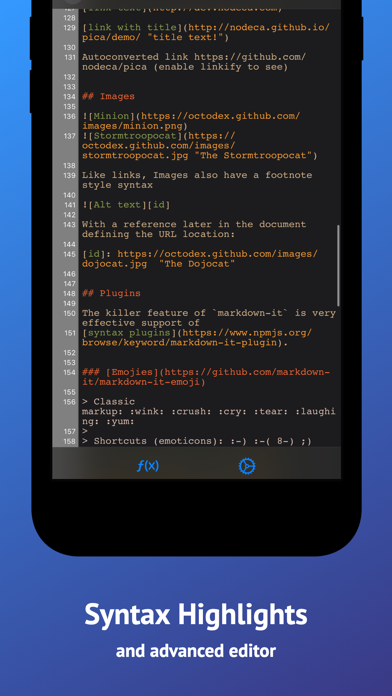
Markdown Pro is a simple Markdown editor for your iOS devices. It lets you to create and edit your .md files and export a PDF or HTML from them. We spent a lot of time to create the best editor for the iOS ecosystem. It works well with the iOS 13 Files app and supports multiple windows on the iPad. Main Features: * Files synchronization (including Dropbox, Box, Drive and other file providers) * Generate PDF from Markdown * Generate HTML from Markdown * Stores .md documents and generated PDFs on your device * Syntax highlighting * Line numbers * Autosave * Full keyboard support * Export the generated PDF to other Apps or save to Files * Built in snippets * Instant Preview next to the editor on iPad * Font size change * Syntax highlight color change * Full dark mode support * Select custom fonts for the editor
Screenshots

Reviews

  • Cool but

    3
    By noahstheman
    Sometimes cant create new files
  • Does not open grok markdown files

    1
    By deiong
    Does not open grok markdown files
  • impossible to edit

    3
    By Muxa
    the cursor jumps down to the end of document after any inserting any character into any place of the document, no matter where the cursor was initially(
  • Unusable, cursor jumps to bottom when deleting a character

    2
    By McLoviiin
    When attempting to delete a character, the cursor immediately jumps to the bottom of the document. Try for yourself: place the cursor somewhere in the document, press the “delete” key on the onscreen keyboard, watch at the document scrolls to the bottom, and see the cursor automatically jump to the end of the document.
  • College coder

    5
    By chicagosxfinest
    I am a college student switching from paper to digital. 1 am really testing out all apps to see what works best for me when it comes to organizing my notes, doing math, learning to code, and all other essentials as a computer science major. I’m excited to try this app as I hope it is what I am looking for :)
  • Painful to use

    1
    By Cacofonix21
    Opening the app is a bad experience. A major turnoff
  • A Scam

    1
    By Nope, it changed
    I’d just converts to an upload of the pro version. The pro version can create a file somewhere, but won’t open it to asked some text.
  • Poor Syncing

    1
    By Bassed Fox
    When I load files from my Proton Drive, it loads the files from the local cache instead of the synced offline folder. Unacceptable. This causes de-syncs and massive headaches. It should not use a cache for synced folders. Add the option to disable cache and I’ll consider the program again. Until then, this is completely unusable.
  • Great app, but it doesn't save any changes??

    3
    By great if it saved data
    I'm trying to use this app, that seems otherwise amazing, but it doesn't save any changes to any files.... so.. that would be nice. I guess I can look at this and pretend how nice it would be if it saved any changes...
  • Not a true markdown reader / writer

    1
    By VizMind
    It took just a few seconds to realize this can’t format standard markdown tables. It doesn’t even pick up on bold and italic markdown. Deleted the app immediately.

keyboard_arrow_up