Fill and Sign e Signature App

Fill and Sign e Signature App

By Crowded Road

  • Category: Productivity
  • Release Date: 2018-11-01
  • Current Version: 2.46.3
  • Adult Rating: 4+
  • File Size: 94.71 MB
  • Developer: Crowded Road
  • Compatibility: Android, iOS 17.0
Score: 4.24493
4.24493
From 3,895 Ratings

Description

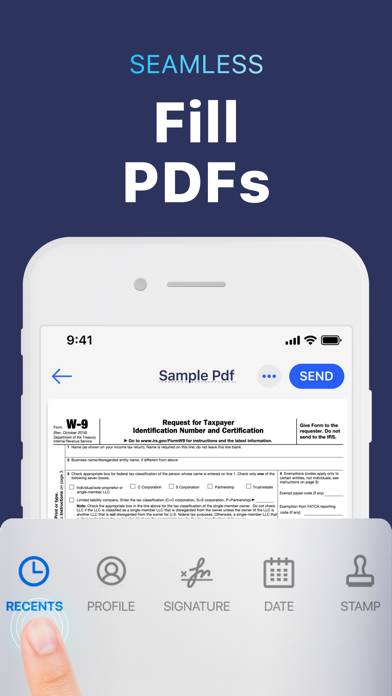
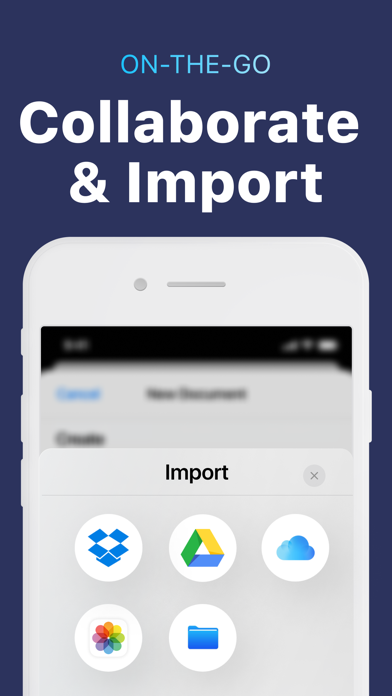
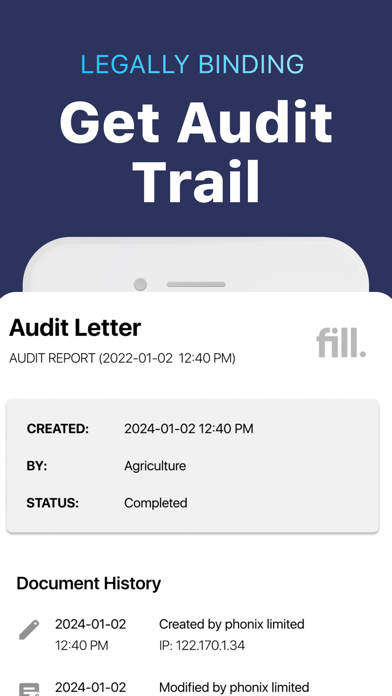
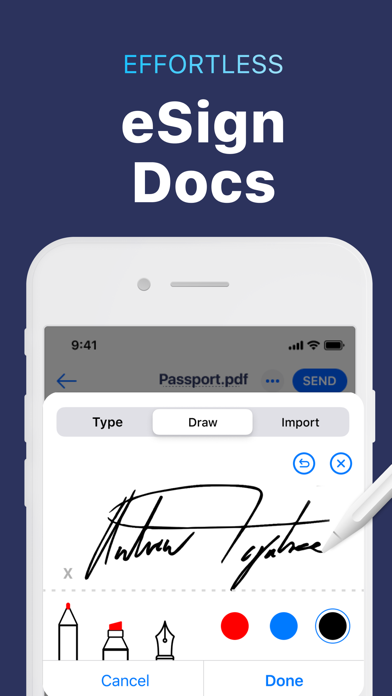
Fed up with managing paperwork? Meet Fill iOS - your all-in-one online PDF editor, electronic signature maker, and form-filler app that eliminates the need for physically printing docs and maintaining those bulky files. Whether you need to create a digital signature or request e signatures from others, manage contracts with audit trails or simply want to fill and sign and share documents like a pro, Fill has you covered. Trusted by individual users & businesses, Fill lets you sign confidential & legal documents securely online all while maintaining an audit trail. What’s more? Fill also allows you to collaborate efficiently & simplify document management from your iPhone or iPad on-the-go! How Fill works Create your personalized digital signature on our app or import a digital version Easily upload documents from your desktop, iCloud, Dropbox, Google Drive, or Files Edit, Annotate or stamp Word documents & PDFs, on-the-go Request e-signatures for agreements & contracts with this legally binding electronic signature solution Key features Edit documents: Import, annotate, fill and sign documents by inserting text, icons, stamps & electronic signatures with the Fill PDF editor, which functions like a powerful file editor. Sign PDFs: Fill out & digitally sign PDF forms & share files efficiently without a scanner! To sign; add initials, use the on-screen sign maker canvas, or simply import digital signatures on the app. Request e-signatures, share & collaborate on documents: Effortlessly access & manage contracts by sharing documents with others for collaboration and requesting eSignatures. Save and track these documents right from your phone. Scan Documents: Scan any document with our smart scanning camera. Fill can be used as a form-filler app, with color schemes & sophisticated tools. Effortless Data Security with Fill: Safely store, back up, & sign and share documents with military-grade encryption, meeting compliance standards, & ensuring legal traceability via Fill. Save & Re-Use: Save & access frequently used content, digital signatures, & personal information safely. Key benefits - Create and Request e-signatures from anywhere. Signatures are legally binding and have an audit trail. - Collaborate & communicate effortlessly - Stay productive with third-party integrations - Manage documents securely - Fill and sign documents easily - Go green, go paperless! COST - Unlock a year of premium features, complete with a 7-day free trial, for the most cost-effective way to access all our services. Optimize paperwork with Fill PDF editor & e-signature app, the ultimate electronic signature solution. AUTO-RENEWABLE SUBSCRIPTIONS - Fill provides an annual subscription that lets you edit, export & share unlimited PDF files - Title of subscription is Unlimited Export Credits - The free trial period lasts for 7 days & annual subscription charges are made automatically to the given payment account unless canceled 24 hours prior to the end of the trial period. Prices are stipulated in the app & vary based on user region. - Subscriptions will automatically renew unless auto-renew is turned off at least 24-hours prior to the end of the current period. - Initial payments are charged to a user's iTunes Account at confirmation of purchase. - Subscriptions can be managed by the user & auto-renewal can be turned off by going to the user's Account Settings after purchase. - Any unused portion of a free trial period, if offered, will be forfeited when the user purchases a subscription to that publication, where applicable. - Free trial is only available once per subscription per user Download Fill: PDF Editor now & make e-signing easy on-the-go! Terms - https://www.fillhq.com/terms
Screenshots

Reviews

  • Confusing

    3
    By Zingseal1
    Need a tutorial to explain how to use it for tech illiterate people
  • Stolen $84.79 without authorization never had subscription signed it up 1 year without no authorizat

    1
    By Lisa Cumpton
    No approval authorization stolen funds $84.79 I am request funds back due to not authorized denied by Apple even after deleting it 1 hour after downloading went to cancel it cancel but not until a year as it claims I enrolled! Never used it can’t get it to work with phone logged in two times to cancel it as it says you can cancel or change plan any time. Ok here it is if it was automatically renewed at a year then this would have been charged in Nov 2025! For a year renewal in May 2024 I had not downloaded this it was Nov 2024 had free trail an cancel in time frame no charge in Nov 2024 or Nov 2025 but in May 2025 I hit download by mistake and within minutes it charged me $84.79!! It was then deleted and emailed Apple and requested funds to be returned denied two times then the bank disbute well also denied two times bank to app owner denied right again. I have now contacted bbb about this matter as well as filed a police report on this app owner for theft!! I will get my refund plus damages for the time and stress you have caused me since May 2025 I promise you !!! I will go all the way up the Apple ladder to the top to have you accountable for this theft!!! So that’s 84.79 plus damages I am now going to request $1000 for the trouble and making me late on bills as I have little income !!! I have all the proof it’s against the law u can’t sell something not working order not as described without authorization and have not received no service at all as I know they can see on that end . Apple said the same on wow within minutes they took 84 79 no questions no subscription so I am not stopping!!
  • Great for quick signature management

    5
    By Nancymosby
    Great app to easily edit and sign documents. You can also easily ask others for the signature and assign the signees. All purpose app for regular pdf editing and signing use.
  • error message on uploads

    1
    By Toofarout
    error message on uploads. don’t waste your time.
  • Free trial didnt work

    1
    By Sickdnos
    After signing up for the free one week trial, I was not able to use any of the features needed for the subscription. I was continuously prompted to sign up for the subscription after already doing so.
  • Hidden Paywall After All the Work

    1
    By Luisfe11
    This app looks free at first, but after spending a lot of time filling out the entire document with my information, at the very end it tells me I have to pay just to save it or send it to myself. That is not clearly mentioned from the beginning. It’s not fair to make you do all the work of completing forms only to surprise you with a payment screen at the end. If they’re going to charge for the service, they should say it clearly before you start, not after everything is done. Uninstalled and I won’t be using it again. I do not recommend this app.
  • Do not download! The worst !

    1
    By Jayiness
    Garbage
  • Get it together!

    1
    By Review4U12
    Sucked! Literally couldn’t do what it’s designed to do- fill in the blanks
  • Trash Update

    1
    By Seshy11
    Another sign all they ruined. Doesn’t even open and I’ve paid 3x. Stuck on loading screen.
  • APP DOESN’T WORK

    1
    By Noah1597
    I purchased the yearly membership subscription and it will not allow me to do anything with the account. Every time you try to send a document or do anything a pop-up message comes up asking to purchase a membership. Well guess what, I’m already a member. This is beyond frustrating. Do yourself a favor and DO NOT DOWNLOAD!

keyboard_arrow_up