MyMonitor

MyMonitor

By Simon Hoss

  • Category: Utilities
  • Release Date: 2017-07-19
  • Current Version: 1.16
  • Adult Rating: 4+
  • File Size: 12.33 MB
  • Developer: Simon Hoss
  • Compatibility: Android, iOS 9.0
Score: 3.24561
3.24561
From 57 Ratings

Description

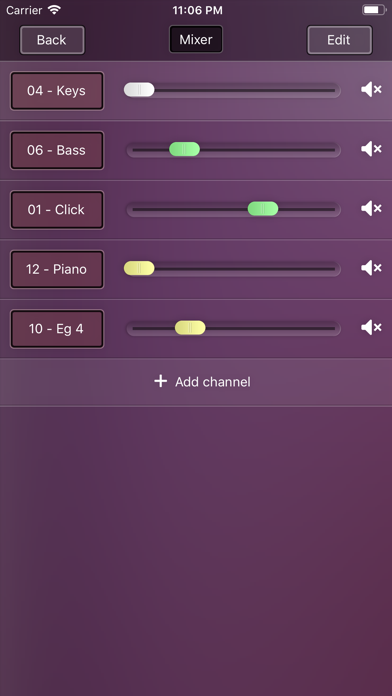
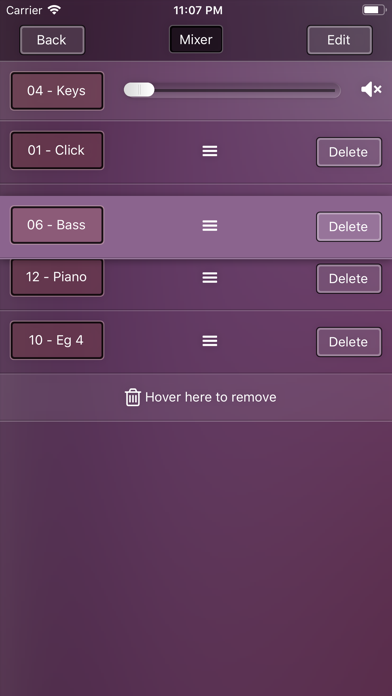
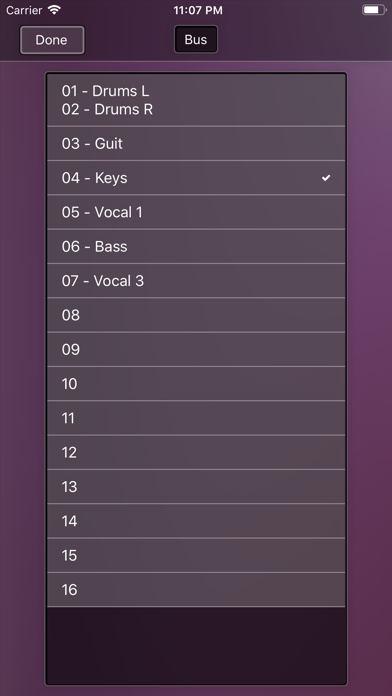
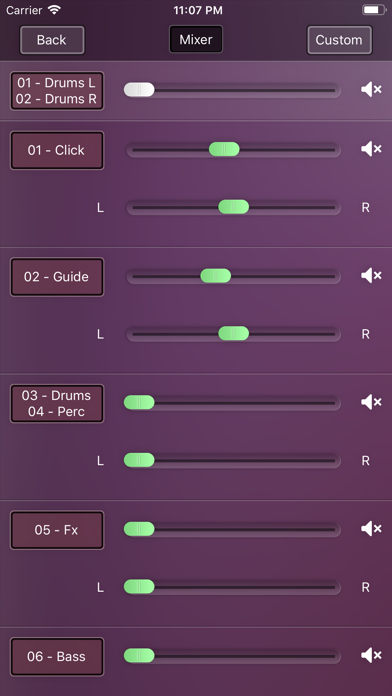
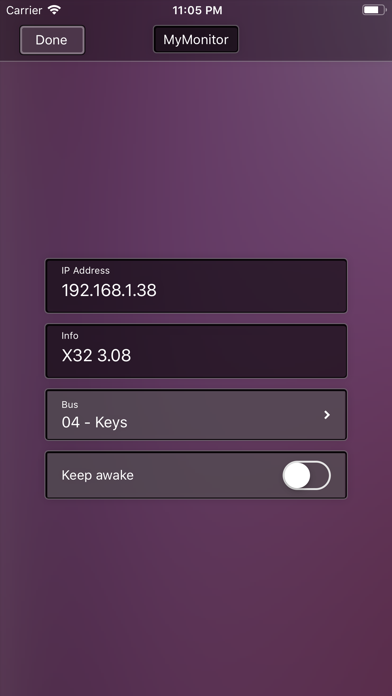
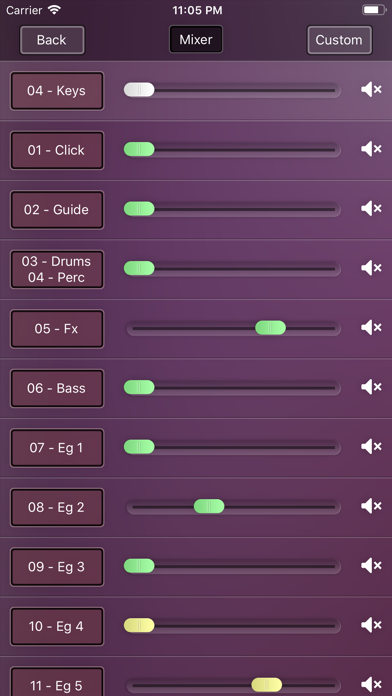
Connect your iPhone or iPad with a digital console and use it as your personal monitor mix This app only controls the consoles. You will not hear any sound through your device. Supported consoles: - Behringer X32 - Behringer XR18 X-Air - Behringer X18 - Midas M32 - Midas MR18 - Soundcraft UI16 Features: - The App connects automatically to your console - Easy mix you stereo monitors - Supports normal channel, aux channels and effect returns - Customize your mixer screen - Switch between multiple consoles iPad: - Mix two monitors parallel - Supports the iOS splitscreen mode. For Example you can show your chordsheets parallel
Screenshots

Reviews

  • Effective

    4
    By Yupperkinz
    Works as advertised. Occasionally have funky connection issues, but closing app and reopening often resolves. Seems like it might be iOS related more than the App? Not the best UI, but serviceable. Overall very helpful for self control of mix! Speeds up rehearsal time.
  • Won't connect

    1
    By Vancet503
    App will not connect to mixer. Doesn't give me the ability to put the ip address. Please fix this!
  • Indefinite spinning “connecting” status

    1
    By theRealMickster
    App failed to connect during an entire rehearsal. I deleted and reinstalled the app after rehearsal, and it still no connection. I also see in the background there is a field to enter an ip address. However, the app never allows me to even reach enter an ip address.
  • ..

    2
    By ivanLorenzana
    When the app is working it’s great, Comes in very handy. The problem I’ve had is it never can save my boards IP address . And now for the longest time it will not connect . It always says no connection .
  • Terrible app

    1
    By Zachthomasd
    Used to work great with our Midas M32, but will not connect anymore. I have to kill the app and delete the app like 5 times before it will ever connect.
  • How does it work?

    3
    By perryvolution
    More than a review is a question. I cant seem to make it work with my soundcraft. My phones shows the channels colume moving but i cant hear anything
  • Waste of time

    1
    By Freshhhhhhhhhhh
    I can’t hear anything through the ear phones smh
  • A simple easy solution

    3
    By Mattio1730
    As many of you know, the M32-Q app has problems with iOS13 that have yet to be resolved. I love the simplicity of this app but there is one “niche” problem I have with reliability. There needs to be a way to manually select the mixer IP. At my church, we use a full size M32 for FOH and an M32R with a MacBook for IEMs. The band IEMs are run from the IP xxx.xxx.0.3 whereas the vocals’ IEMs are from xxx.xxx.0.2 The trouble is that the app sometimes connects to the wrong IP and there is no way to select. As I am on the band, it can be frustrating because the app usually “sees” the vocal IP first and there is no way to force connect to the band IP. If you’re not using this sort of setup, the app is GREAT!!!
  • Hmm

    3
    By Music0803
    Is it possible for you to use it as an in ear? I tried to do it but can’t hear a thing. If you can’t can I get a refund ? Lol
  • Help!

    3
    By worshiplvr
    Multiple channels have muted themselves.. how can I fix this?

keyboard_arrow_up