Picsart Color: Draw & Paint

Picsart Color: Draw & Paint

By PicsArt, Inc.

  • Category: Graphics & Design
  • Release Date: 2016-12-22
  • Current Version: 2.9.1
  • Adult Rating: 4+
  • File Size: 96.16 MB
  • Developer: PicsArt, Inc.
  • Compatibility: Android, iOS 13.0
Score: 4.5354
4.5354
From 22,161 Ratings

Description

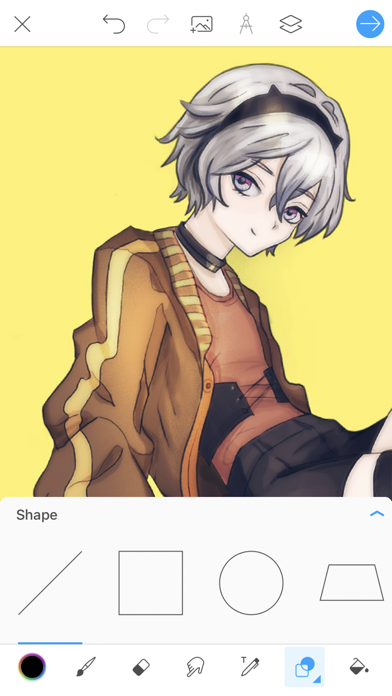
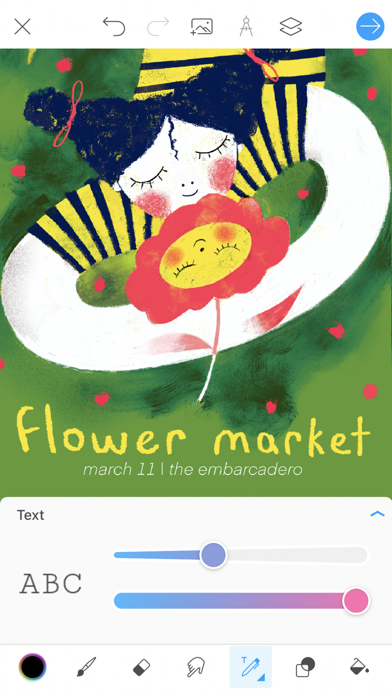
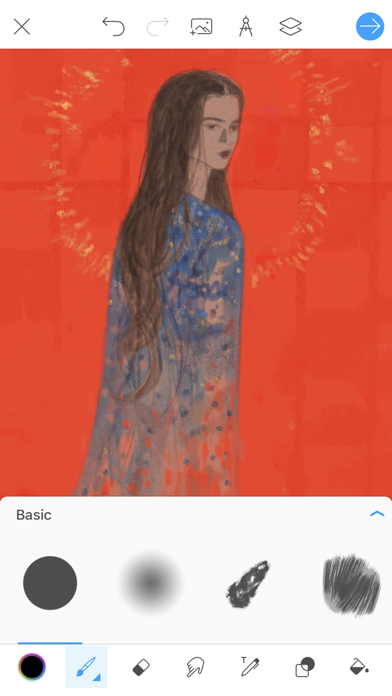
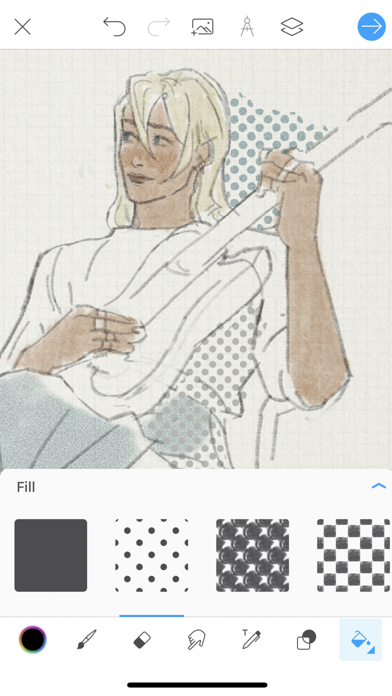
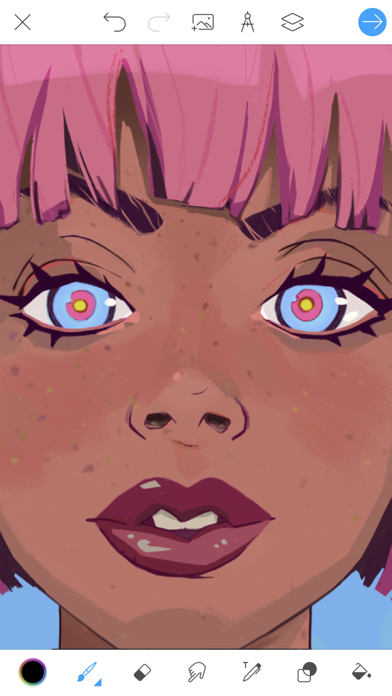
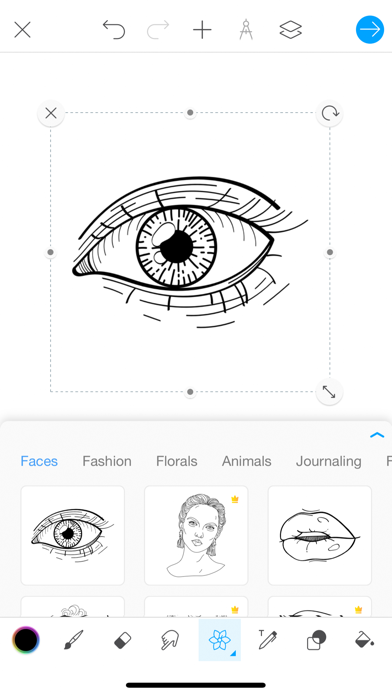
Picsart Color is a drawing app where you can paint, color, and draw digital illustrations. Drawing and creating digital art has never been easier and more fun! Picsart Color offers a full drawing suite with tons of functionality whether you’re an amateur artist, a professional, or even if you’re looking for a drawing app for your kids. You can work with as many layers as you want, a color mixer for any color combination you can think of, fully customizable paint brushes, and an amazing texture brush – those are just some of the creative features available to you in Picsart Color. Doodle on your photos, paint breathtaking fantasy worlds, do some picture coloring, you can even use it as your mobile digital sketchbook – Picsart Color has it all! The intuitive interface makes sure you spend more time drawing and coloring your awesome illustrations than searching for tools. From a sketch to fully polished illustrations, Picsart Color is the only digital drawing app you’ll ever need. FEATURES - Texture brush – draw not only with color but with texture! - Pressure sensitivity – make full use of your apple pencil for maximum effect. - Multiple layers – use different layers to draw and color without the other getting in the way. - Auto-recovery – you never have to worry about losing your progress. - Blending modes – use different blending modes to achieve some truly artistic results. - An entire library of customizable brushes. - Color wheel and mixer to match any colors you want. - Text tool that allows you to draw and erase using text. - Symmetry tool for easy mandala and portrait drawing. - Outlines that create pre-set inspiration for your next masterpiece. - Pattern and color fill. ...And much more is available for free and with no pesky ads! GO GOLD - Color Gold gives you access to a huge number of templates you can edit and color! Remember that you can use paid templates only while you are subscribed. Payment will be charged to your iTunes Account at confirmation of purchase. Subscriptions will automatically renew unless auto-renew is turned off at least 24 hours before the end of the current period. Your account will be charged according to your plan for renewal within 24 hours prior to the end of the current period. You can manage or turn off auto-renew in your Apple ID account settings at any time after purchase. No refunds will be provided for any unused portion of the term. Any unused portion of a free trial period will be forfeited when you purchase a subscription. Privacy Policy: https://picsart.com/privacy-policy?hl=en Terms of Use: https://picsart.com/terms-and-conditions?hl=en Download Picsart Color today and completely transform the way you draw on your tablet or phone.
Screenshots

Reviews

  • Best Coloring app ever!💕 but with downsides!

    4
    By ❤️Charlotte & Jayden💜
    I love this app so so much! I love that if you color a lot you can get a free 1 hour to use Premium/Gold access! It is so satisfying and simple to color whatsoever you want to color! Post stuff on Picsart and watch the video of the making of your beautiful creations! This is an amazing app for beginners who want to learn how to draw! Even my 8 year old daughter loves it! After school she is coloring on her iPad! She is usually bored and troubles me when I work! Thank you Picsart for saving my life! But there are some downsides to aging Picsart! 1. There X button to go to the homepage is totally broken! I restart all my tabs but that deletes all my artwork! And you can’t search up drawings! 2. There should be more artwork to color and there should be a community slide where everyone can post their artwork!🖼️
  • hehe

    4
    By hsjahags
    i cant seem to exit out of my art it resets wehen i leave the full app
  • My stickers...

    2
    By BassieBoomington
    I redownloaded this app for the stickers because I used to make cool stuff with it but then it's not there? Idk if it's bc I haven't used it in a long time and forgot but where are my stickers?
  • Real review no sugar coating

    2
    By Drywall punch
    Idk what are considered performance improvements and bug fixes in your mind, I tell you what tho… I been using this app for 5 years now, and every update has taken away from it. It continues to get worse, as does the economy
  • Good for art

    5
    By 🌭🍔🍟🥙🥪🍕🌮🌯🫔🥘🍜🍝🍲
    I rly like this bc it rly easy to draw❤️
  • Terrible

    1
    By NATALIE :)?
    I spent a lot of time on a piece of art on this app and when I was done and leave to exit the exit button didn’t work to get back to the home screen so I exited all of my tabs out and I went back into the app and it’s deleted in my art! It’s so glitchy and definitely not worth it I recommend other apps the fill button doesn’t work and the textures don’t go in full effect. This needs to be fixed and it should also re-add the sticker button that’s the only reason I ever liked this app and now it’s gone.
  • Confusión

    2
    By Conjg*kihvj
    I want to have the plus instead of the pictures, someone please help me I’m confused.
  • I use this app often but its missing features.

    4
    By A mild user
    I use this app for making images almost daily but I am running into some limitations that would not be hard to implement. I wish you could stretch an image after it rasterizes, you can only stretch it when first importing it, which makes things tedious. It would also be nice to be able to perform perspective changes to the layer/image. We also need the ability to change the layer image effects ei: brightness, hue, saturation, contrast, etc If I had those tools, this would be literally the perfect app.
  • Grrr

    1
    By ynchicfsvhfiyaed
    Eats ur storage on ur iPad For one silple drawing it took up 107kb 😡🤬🤬🤬😡😡
  • Mostly great some tools broken

    4
    By Cassey2217
    Fill tool doesn’t work anymore and needs fixed other than that everything else has been fine

keyboard_arrow_up