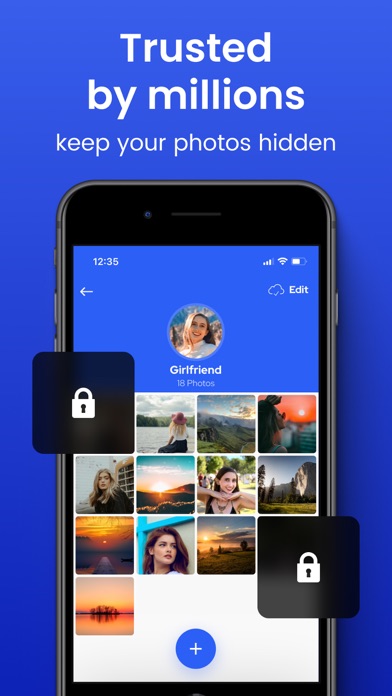
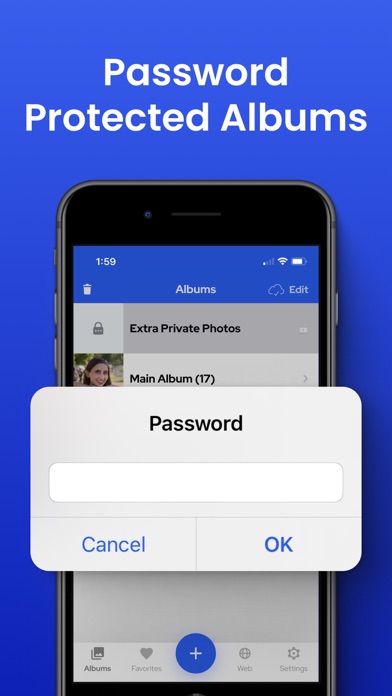
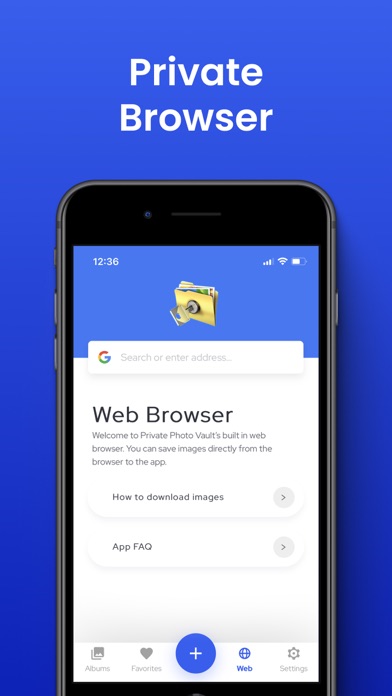
The Best and Most Private Photo and Video App for iPhone and iPad. Millions of people trust Private Photo Vault® to keep their photos hidden. Top 100 Photography App in USA, Korea, Japan, Taiwan, India, Italy, Finland, UK, South Africa, Egypt, Mexico, Malaysia, Australia, Hong Kong, France, Ireland, Germany and many more countries. Reviews for Photo Vault®: * * * * * "Wow, I have been wanting a way to hide some of my photos for a while, this is a perfect solution." * * * * * "Exactly what I'm looking for, can organize albums and even 'hide' others that I feel I need to." PROTECT YOUR "SPECIAL" PHOTOS + VIDEOS • Password Protected App Entry • Pin Lock • Pattern/Dot Lock • Password Protected Photo Albums (Keep people out of your private albums) • Break-in Report: Photo + GPS • Decoy Password + Face Down Lock PHOTO MANAGEMENT • Create Albums right in the App • Import/Export from Photo App • iTunes Syncing • Wireless Photo Transfer • Email Photos • Text Message Photos PHOTO VIEWING • Image Gallery • Slideshow • Intuitive Interface just like Photo App VIDEO SUPPORT • Import/Export from Photo App • Watch Videos PRIVATE WEB BROWSER • Browse the Internet Privately • Download Photos directly to the app CLOUD VAULT: • Encrypted Cloud Backup • Space Saver • 100% Private - Yes. Private Photo Vault employees CAN NOT view any of your photos or videos. When you enable Cloud Vault backup in the app, you are required to provide a Cloud Vault Password. Your Cloud Vault Password is never backed up to our servers and used as a secret value that only you know to encrypt/decrypt your files. This means we have NO ability to view your photos. This also means that if you forget your Cloud Vault Password, you will also not be able to view your Cloud Vault data. Please write it down. PREMIUM SUBSCRIPTION Premium will automatically renew unless auto-renew is turned off at least 24 hours before the end of the current period. Payment will be charged to your iTunes Account at confirmation of purchase. You may manage your subscription and turn off auto-renewal by going to your Account Settings after purchase. Terms: https://privatephotovault.com/terms/ Privacy Policy: https://privatephotovault.com/privacy-policy/ NOTE: The free version of the app does not backup your files to Cloud Vault. Please ensure you perform backups of your photos and videos to ensure if you lose your device, your data isn't lost.